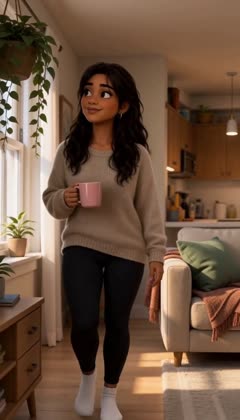
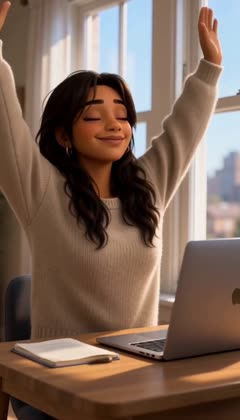
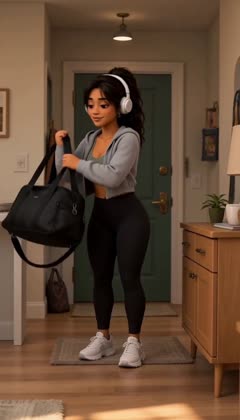
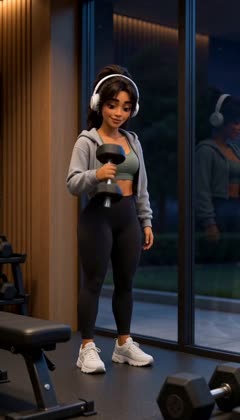
Catch the mistakes before they're filmed.
Sometimes AI video gets scenes wrong, and every bad take costs money. I'm building Lola Studio to check each scene against the story before it's generated, using rules I wrote from my own film direction. This page documents the current limits of AI video generation and the approaches I'm testing to keep each scene consistent.
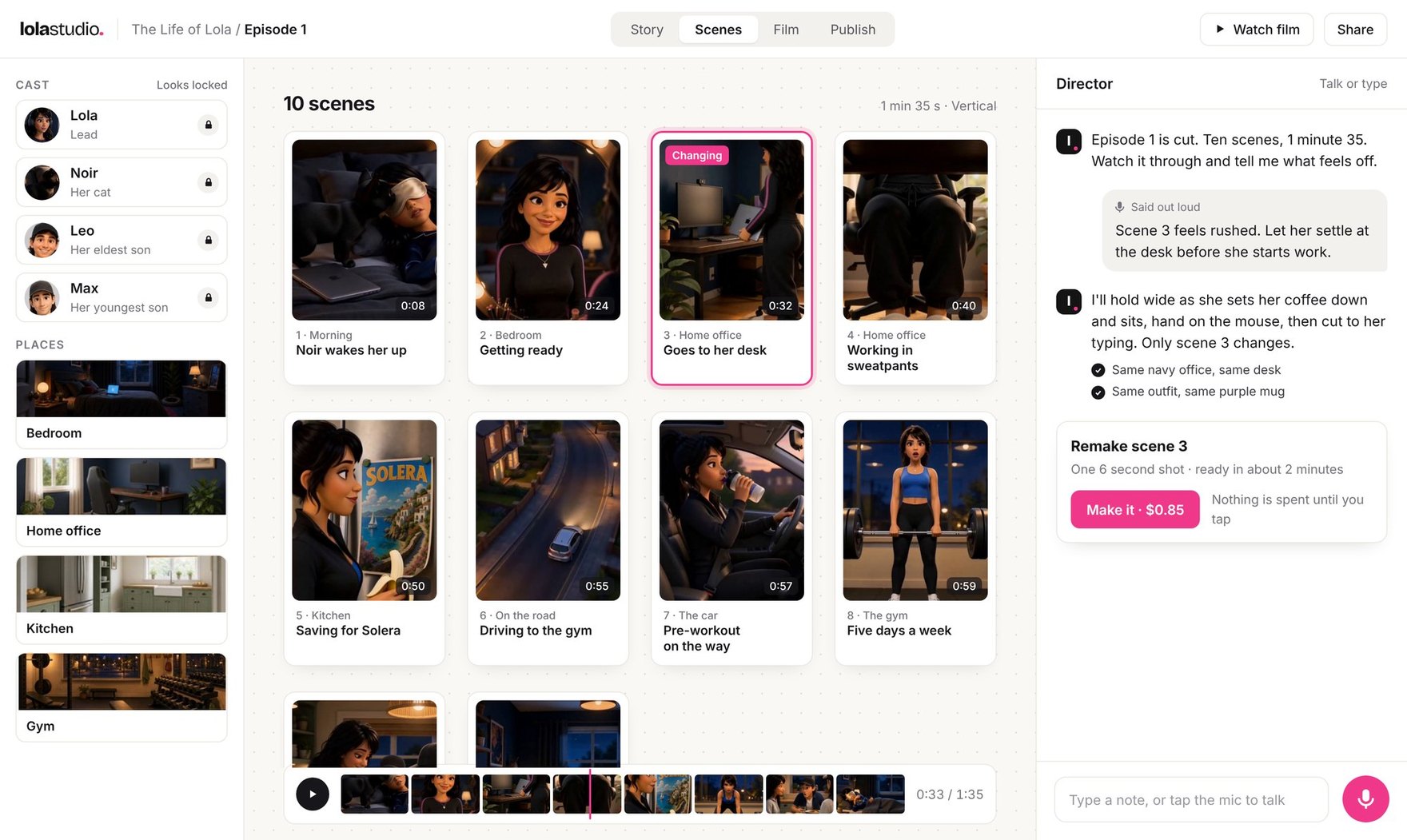
Real frames from The Life of Lola, episode 1.
Watch episode 1
The Life of Lola, made in Lola Studio. Sound on.
What I'm trying to find out
Can one person direct a consistent AI animated series, without writing prompts and without wasting money on bad takes?
I'm testing it by making episode 1 of The Life of Lola in Lola Studio and logging every take. Each take shows what works and what still breaks. When one generation filmed a whole scene, Lola stayed the same between the cuts inside it, and the cuts landed where I asked, but the take as a whole still wasn't always right. Most of my notes turned out to be about staging, which a check could look for before any money is spent. The evidence comes from one creator and one episode.
Why I started
I've made content for social media for over six years, and The Life of Lola is my own series, made with AI video. With the tools out there now, every take takes a while to generate and costs money, and I kept running into the same three problems. Lola didn't stay the same, takes came out wrong, and I wasted money.
Between takes her skin tone drifted, the rooms changed and her outfits swapped, and every bad take had to be paid for and made again. If the main character looks different in every scene, people stop believing the story. So I set out to see how much faster and cheaper I could make it.
What I expected
- H1
- H2
I thought showing a rough plan straight away would get the first scene in front of me much sooner than waiting for the full plan.
Turned out true On a 30 second test film, the first real scene showed up in 35 seconds. On the 24 scene Lola script, before the change, the first scene card took over 3 minutes. I haven't re-timed the Lola script yet. Tested in E2
- H3
- H4
I thought most of my notes on a take would be about staging, which would mean they could be checked before a take is paid for.
Turned out true None of my 6 notes on the first 3 scenes I made versions of were about how she looks. Tested in E5
How I tested it
I've been making episode 1 in Lola Studio, directing it myself and keeping every take, prompt and log. I measured where the cuts happened from the video itself, using scene detection. The costs use the app's price for the video model, which is $0.08 per second, multiplied by the seconds in each take's log.
- 1
- episode, 95 seconds long
- 25
- takes generated
- 328 s
- of video generated
- $26.24
- spent on video
What I built to test it
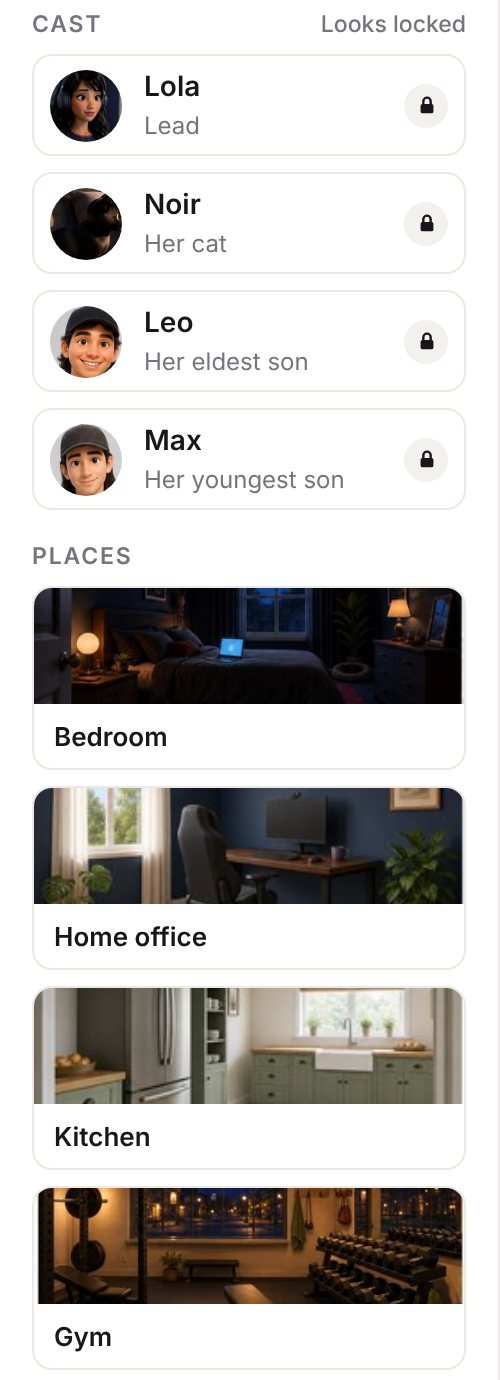
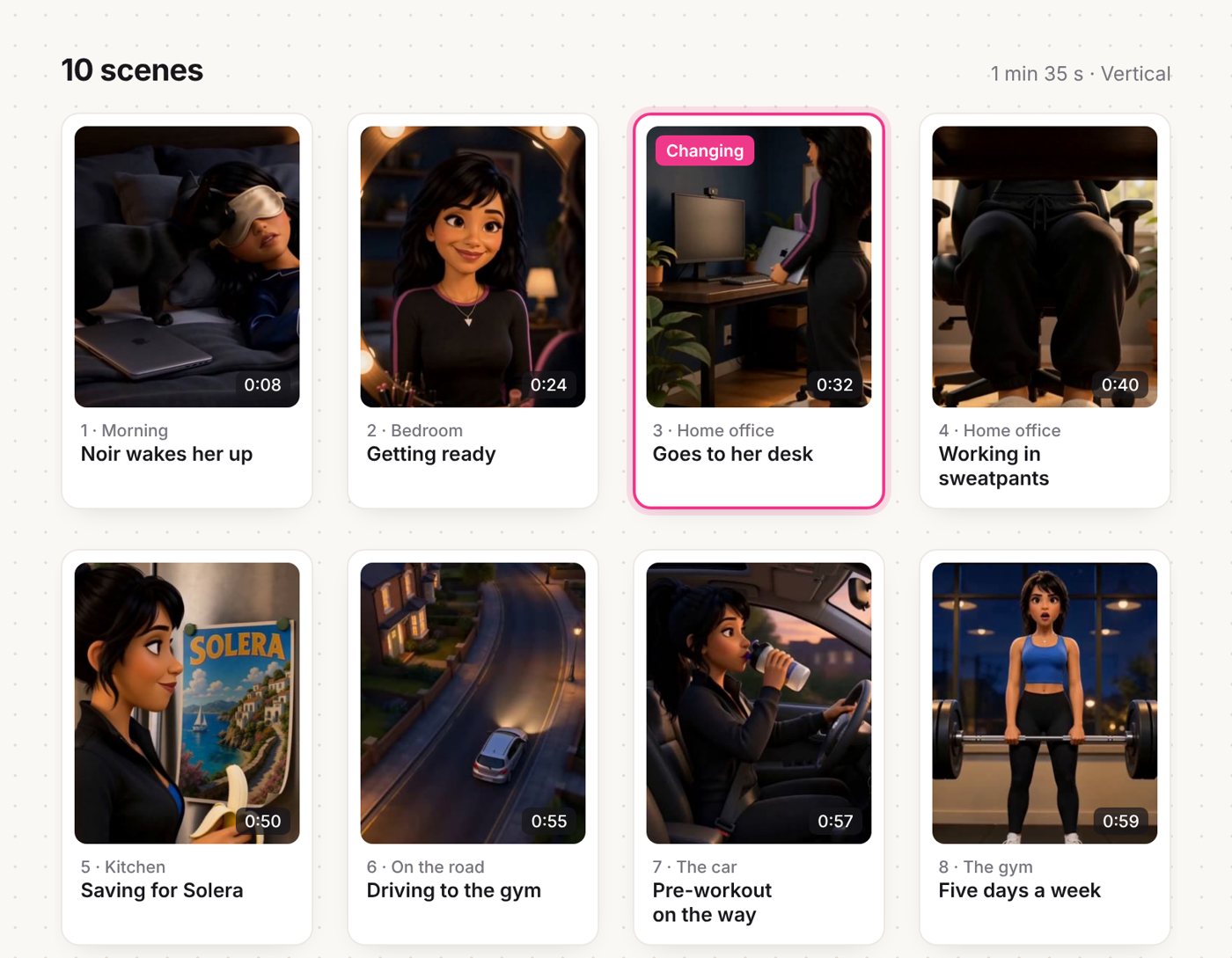
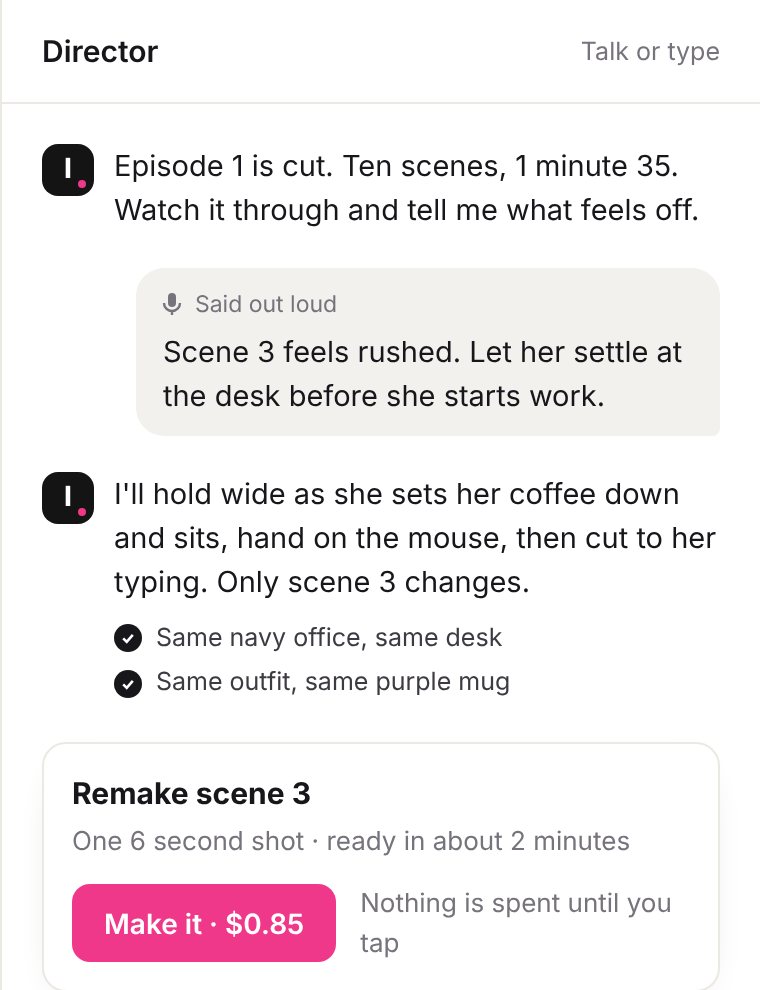
What I tried
Here they are in the order they happened. Each one was a working prototype on real footage, and each ends with what I kept, changed or dropped.
Why not make one clip per shot?
Lola Studio started the usual way, by drawing a frame for each shot and then animating it. But every shot is a fresh generation, so Lola gets redrawn from scratch each time, and every join is a place where her face, hair or room can drift.
One clip per shot
16 generations · Lola drawn 8 times · 7 joins where she can drift
One take
1 generation · Lola drawn once · cuts happen inside it
Dropped I learned that drift grows with the number of generations, not the length of the film. So the fix had to cut the number of generations, not polish the prompts.
Can the plan show up before I lose the idea?
Planning the 24 scene Lola script took about 6 minutes, and the first scene card took over 3. For most of that time, the screen showed nothing new. So I changed it to show a rough card straight away, then fill in the real scenes as each one is ready.
Before 24 scene Lola script
- Story idea 10 s
- First scene card 3 min 8 s
- Plan ready 5 min 58 s
After 30 second test film
- Rough card 15 s
- First real scene 35 s
- Plan ready 55 s
Kept Showing something in seconds, even if it’s rough, and then improving it in place feels much better than waiting.
Why does Lola look real and stare into the lens?
Her frames came out semi-realistic, with her looking straight at the camera. The cause turned out to be her reference sheet. It was photoreal, most of its views faced the camera, and every frame copies the sheet.
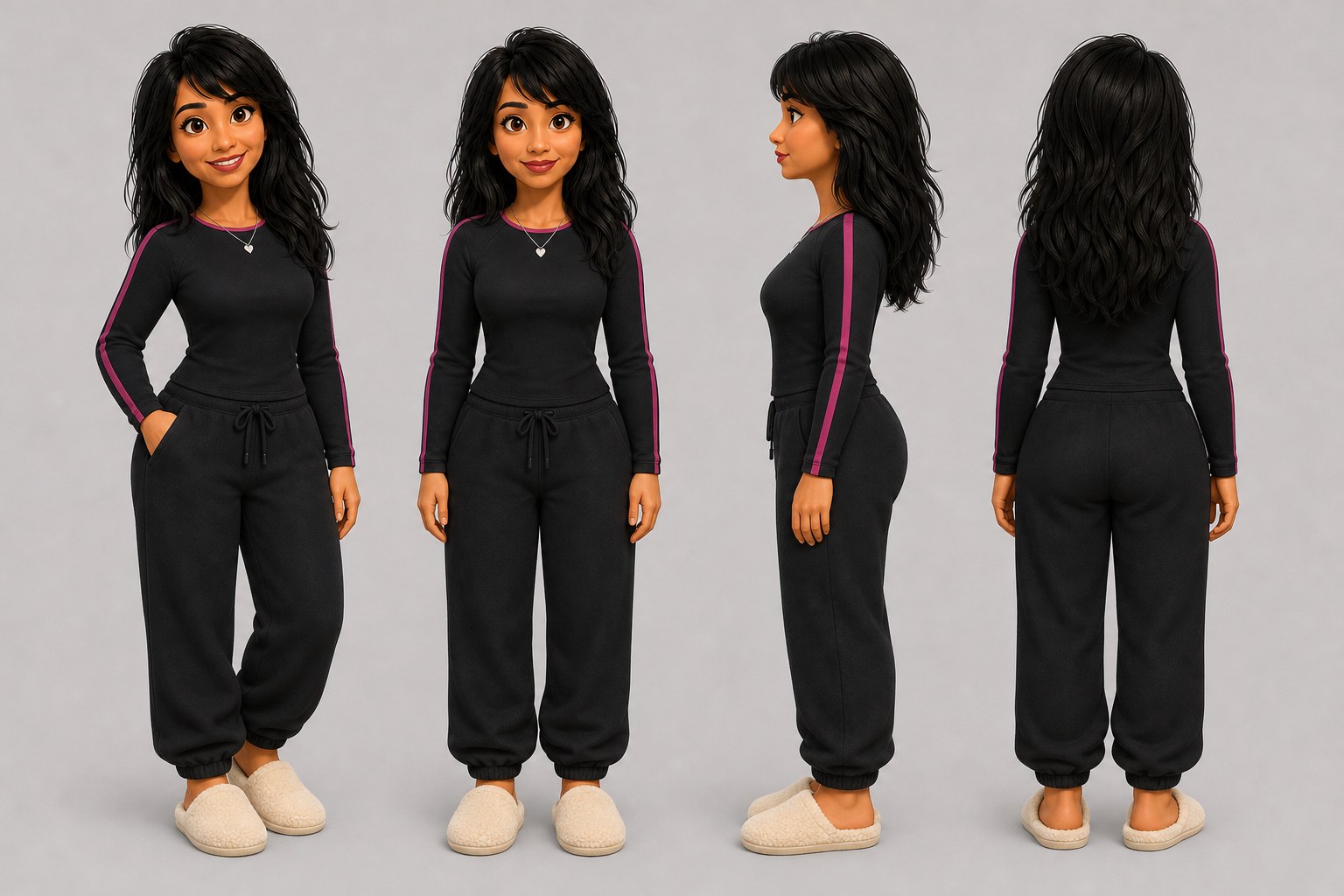
Her sheet now, in the film’s look and on model, with nothing written over her. Changed Now a sheet has to pass a check before any frame is drawn from it, and every shot has to say where each person is looking.
What if one generation films the whole scene?
Then I found a video model that can take Lola’s sheets and a timed shot list and film 15 seconds in one go, hard cuts and all. One generation means one Lola and no joins to hide, and this whole 15 second take cost $1.20. You can try planning one here.
Marks under the strip show where the cuts landed. Every one is within a quarter second of the prompt.
Shot 2 · 2.5–4.5s
A good stretch
Sits at her laptop and stretches both arms up with a happy smile; laptop screen faces away from camera.
2 shots don't say where Lola is looking. Fix them before filming.
See the prompt
Premium stylised 3D animated feature film look: soft warm global illumination, expressive big eyes, gentle shallow depth of field, never photoreal. Vertical 9:16. ONE continuous 15 second sequence made of 8 shots with hard cuts.

Character: LOLA, the young woman in the reference sheets. Keep her face, hair and proportions exactly the same in every shot. Keep each place exactly like its reference.

SHOT 1 (0.0-2.5s) Medium, apartment living area, warm low sun from the window on the left. Lola in her HOME outfit (oatmeal knit sweater, black leggings, white socks) walks toward camera holding a pink mug, content, glancing at the window plant. Camera slowly pulls back.

CUT TO SHOT 2 (2.5-4.5s) Medium close-up, desk by the window. Lola in her HOME outfit (oatmeal knit sweater, black leggings, white socks) sits at her laptop and stretches both arms up with a happy smile; laptop screen faces away from camera, [where is she looking?]. Gentle push in.

CUT TO SHOT 3 (4.5-6.0s) Medium, by the green front door, soft afternoon light. Lola in her GYM outfit (grey cropped hoodie, sage sports top, black leggings, white sneakers, white headphones, high ponytail) lifts a black gym bag onto her shoulder, [where is she looking?]. Camera tilts up.

CUT TO SHOT 4 (6.0-8.0s) Medium, the gym, soft daylight. Lola in her GYM outfit (grey cropped hoodie, sage sports top, black leggings, white sneakers, white headphones, high ponytail) curls a dumbbell with quiet pride, at her reflection in the dark glass. Static.

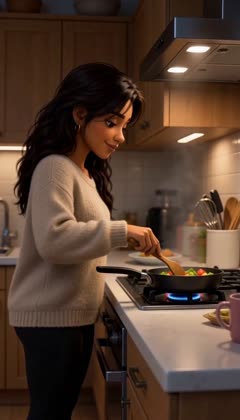
CUT TO SHOT 5 (8.0-9.5s) Medium close-up, apartment kitchen, evening, warm pendant lamp. Lola in her HOME outfit (oatmeal knit sweater, black leggings, white socks) stirs a steaming pan of vegetables, looking down at the pan. Slow push in.

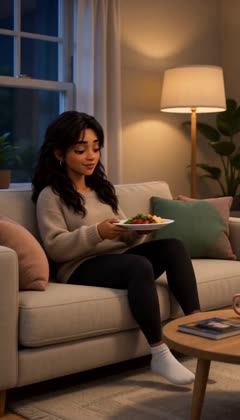
CUT TO SHOT 6 (9.5-11.0s) Medium, cream sofa, evening lamp light. Lola in her HOME outfit (oatmeal knit sweater, black leggings, white socks) settles back with her dinner plate, content, looking down at the plate. Static.

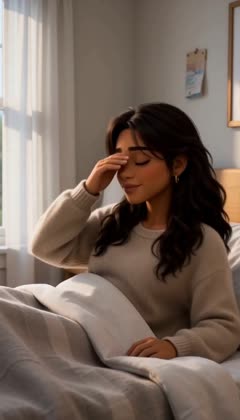
CUT TO SHOT 7 (11.0-12.5s) Medium close-up, bedroom, pale morning light from the left window. Lola in her HOME outfit (oatmeal knit sweater, black leggings, white socks) sits up in bed rubbing her eyes, half asleep, facing the window. Static.

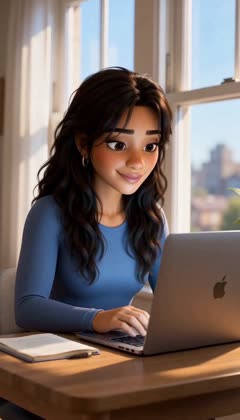
CUT TO SHOT 8 (12.5-15.0s) Medium close-up, desk by the window, pale morning light. Lola in her WORK DAY outfit (fitted blue long-sleeve top) at her laptop, screen angled away from camera, reading the laptop screen. Slow push in, hold on her face.

No text, no captions, no subtitles, no logos, no writing anywhere on screen. One Lola only, two arms, two hands, no extra limbs.
Kept It follows the timing. Every cut landed within a quarter of a second of where I asked, so the shot list can be the main way to direct. Timing is one part of a take, and E5 and E6 cover the parts that still need work.
What were my notes actually about?
The three scenes below went through versions, each one note away from the last, and every take has a real cost. Each version shows its cost under the video. Pick a scene and compare any two versions at the same second.
Kept My notes were about the staging, not about Lola. They were about where the camera sits, where she looks and which room she’s in. Those are things a check could look for before a take is filmed.
Why does she look older in close-ups?
In tight shots, Lola looked older and heavier. I think there were two causes. Her face on the full-body sheet is tiny, so the model invents the detail, and some of my prompt wording pushed her off-model.
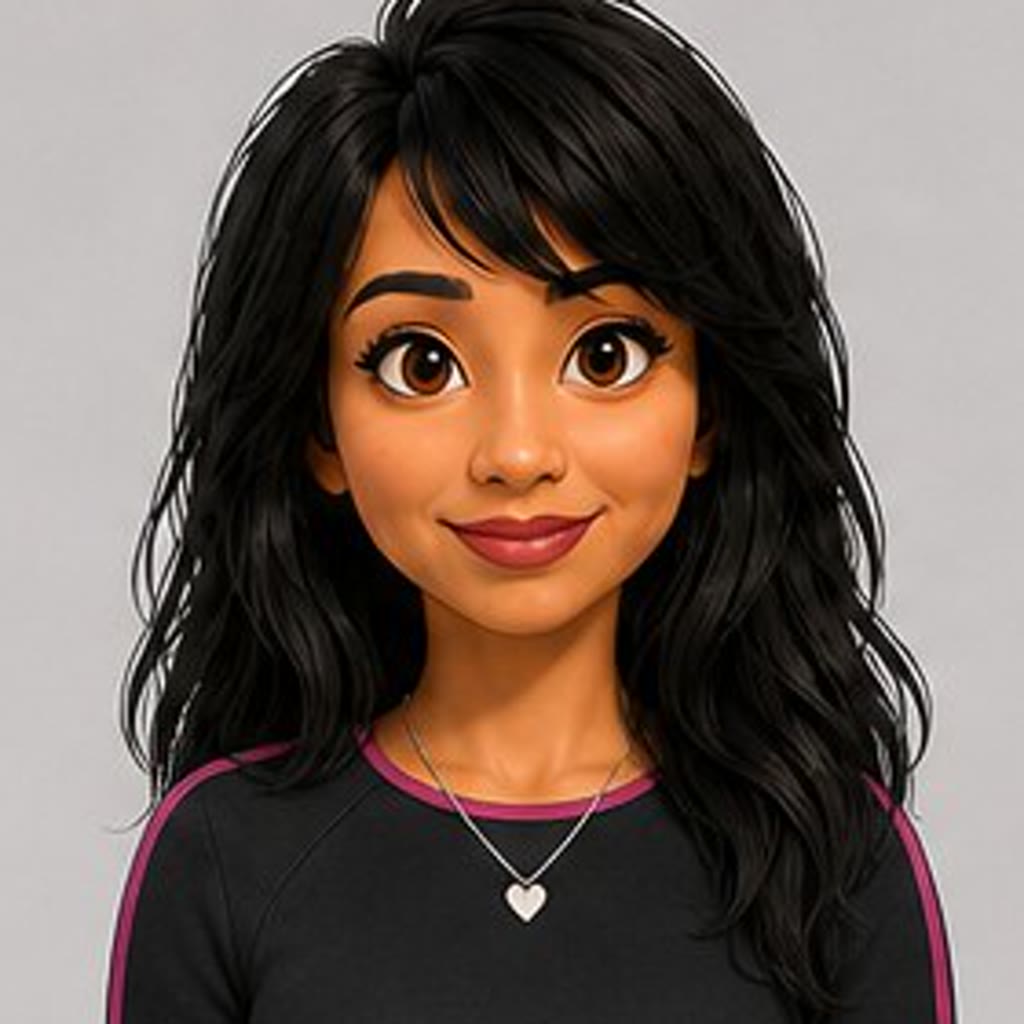
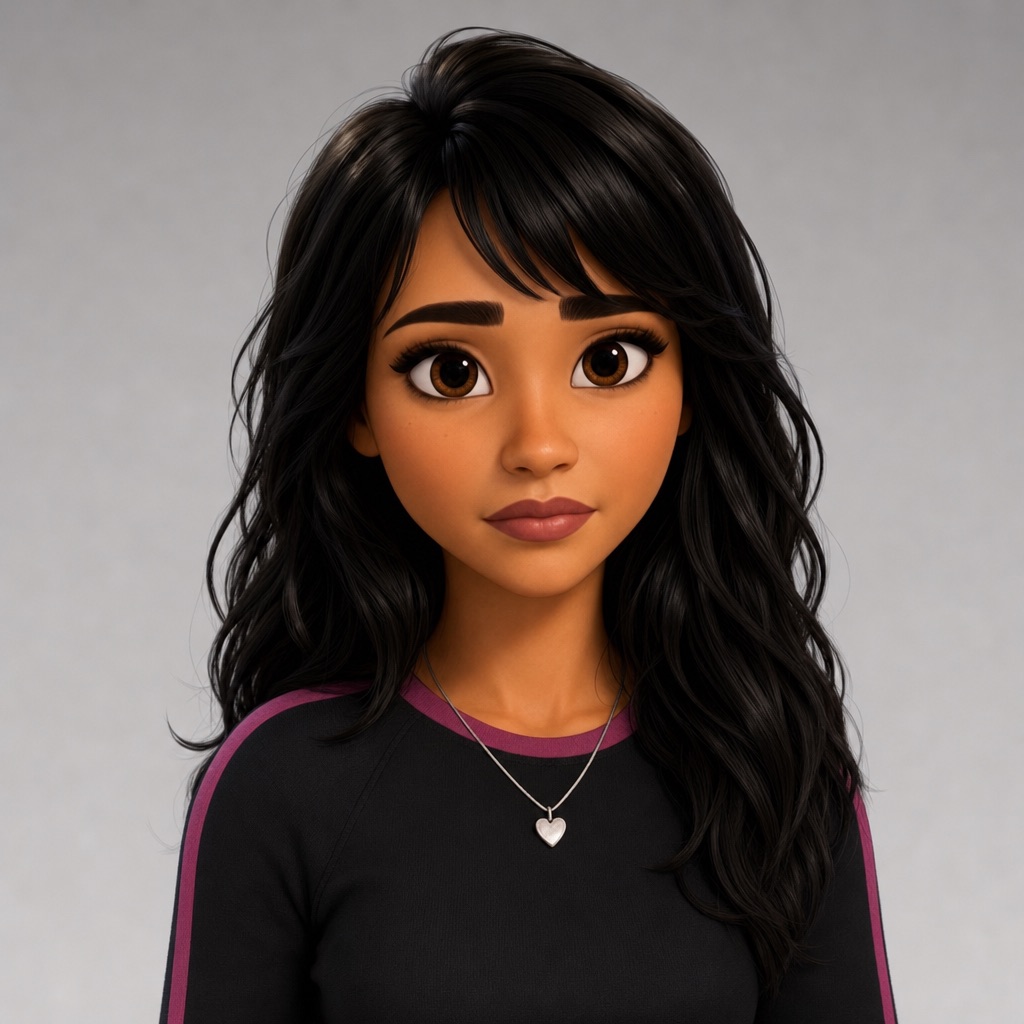
Her face is about 100 pixels across here. At close-up size the model has to invent the rest, and it invented an older face.
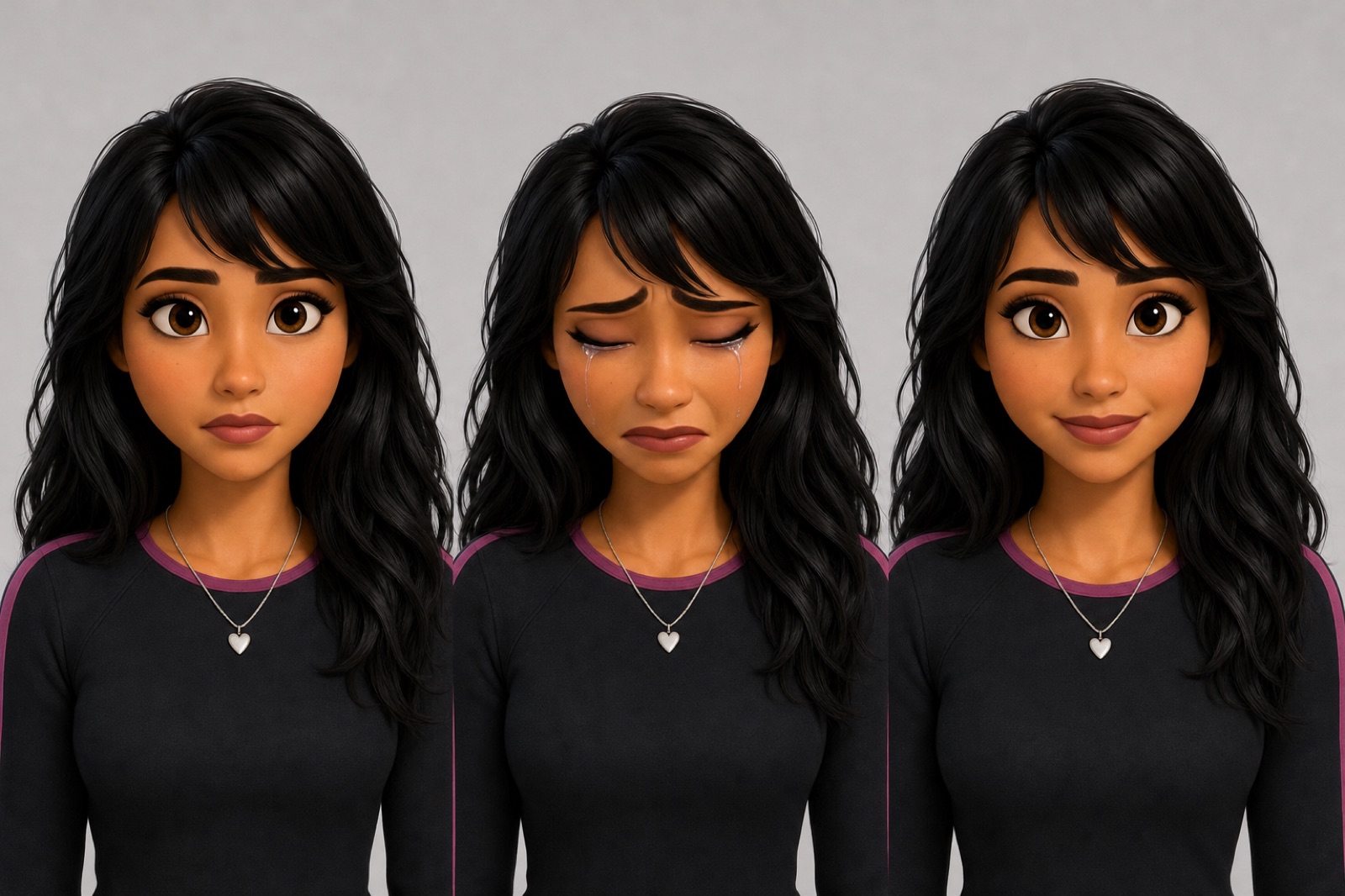
The face sheet also covers a few of her moods, including calm, hurt, crying and a small smile. Changed Close-ups now get a sheet of her face, and every prompt uses the same fixed description of her skin and outfit.
What I found
- F1
A timed shot list can be the main way to direct.
All 7 cuts in the act 1 take landed within 0.25 seconds of where the prompt asked. E4
- F2
Showing something in seconds is better than waiting for the whole plan.
Before, on the 24 scene Lola script, the first scene card took 3 min 8 s. After, on a 30 second test film, a rough card showed up in 15 s and the first real scene in 35 s. E2
- F3
The frames copied the reference sheet, including its flaws.
A photoreal sheet with her facing the camera gave me photoreal frames of her staring into the lens. E3
- F4
Close-ups need close-up references.
Her face is only about 100 pixels across on the full-body sheet, so in close-ups the model invented an older face. E6
- F5
My notes were about staging, not about her.
All 6 notes across 3 scenes were about the camera, the action, continuity or the location. E5
- F6
Where it's at
- 25 takes
- generated and logged so far
- 5 min 58 s → 55 s
- to plan a film (different scripts, see below)
- $1.20
- for a 15 second, 8 shot take
- 1 tap
- to approve before anything costs money
What this doesn't prove yet
- The editor itself isn't finished, and most of its screens are still placeholder layouts. The research on this page is the finished part.
- The data comes from one director, one series and one episode. No other creators have tested it yet.
- Most video models only go up to about 15 seconds, so a longer scene still has to be split into more than one take, and every extra take is another chance for Lola to drift.
- The faster planning time comes from a 30 second test film, not the Lola script.
- The costs come from the app's price list, not from real invoices.
- These are things I noticed while making a real episode, not controlled experiments.
What I want to find out next
- If the director follows rules written from my notes, do scenes need fewer takes?
- Would other creators run into the same problems with their own characters?
- Can directing by voice replace the shot list?
Read about Jobby