Turning a flat AI film into 3D
The Life of Lola is a flat film. I wanted to test whether it could have real depth, like a 3D movie, where each eye sees the scene from a slightly different spot. No video model I can use today makes both eyes, so I started with what I already have, the finished episode.
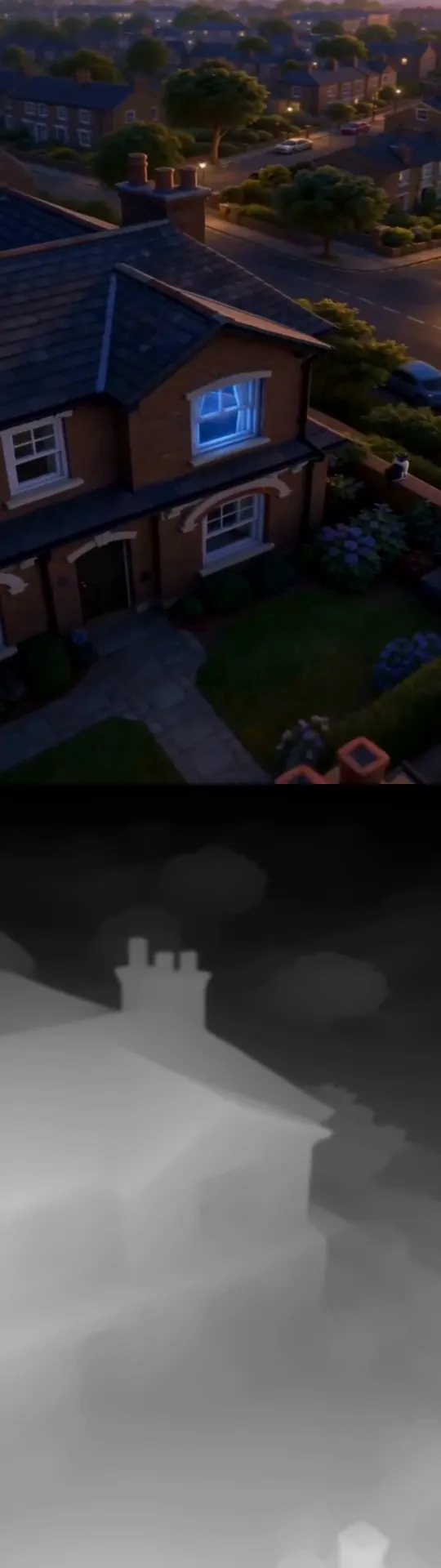
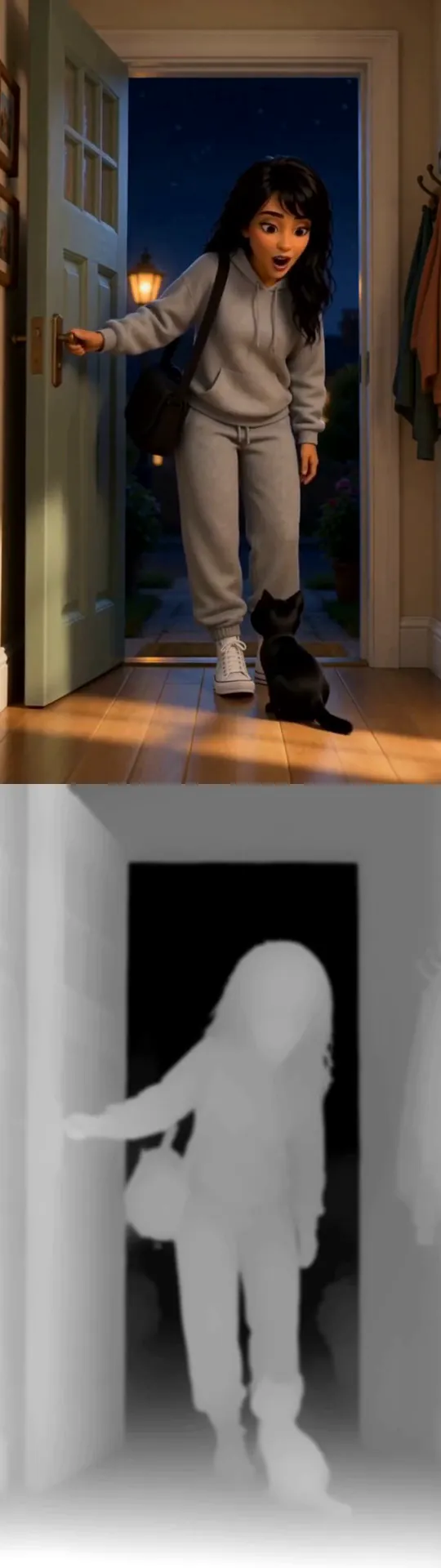
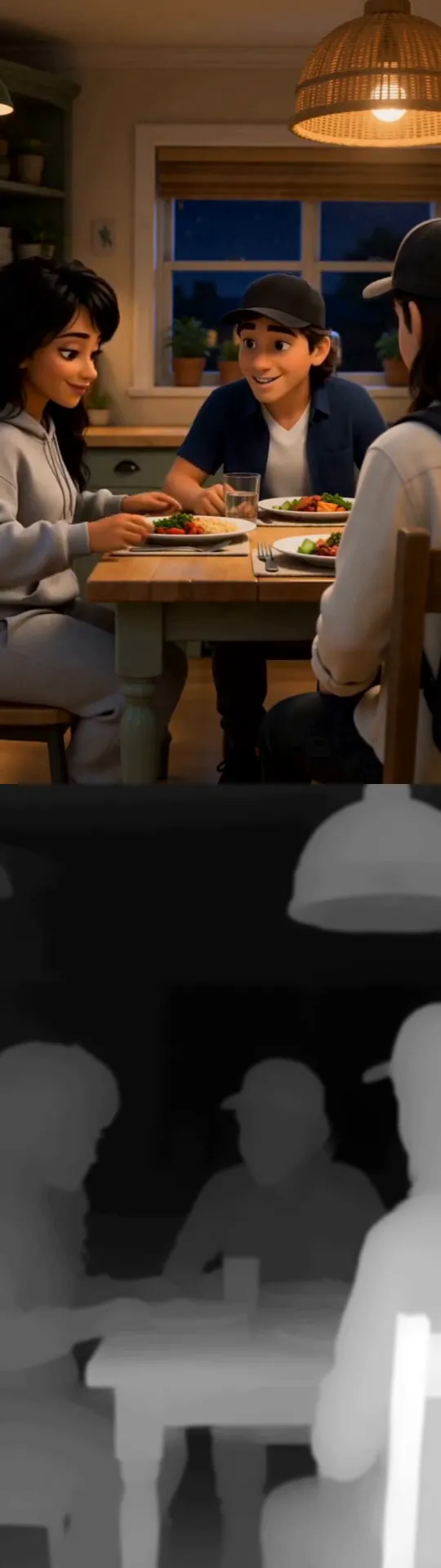
Try it. Press play, then pick a view. Tap the picture to set what sits on the screen, and use the strength slider to make the depth stronger or softer.
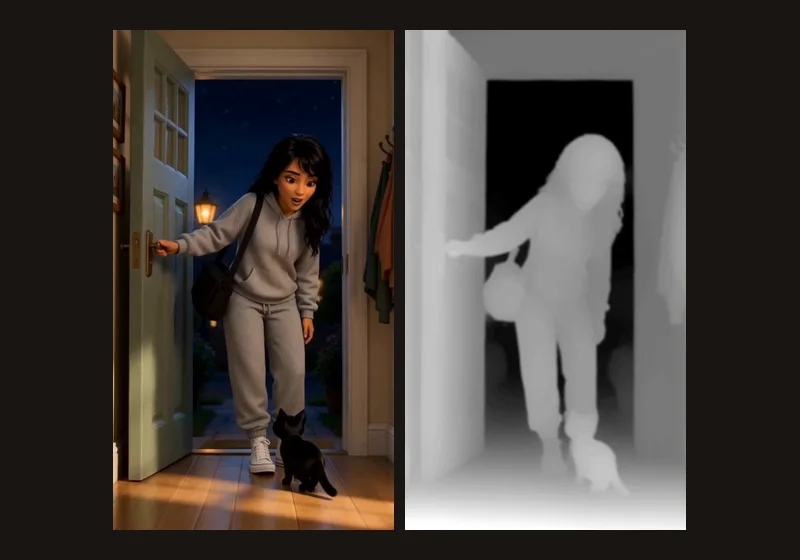
An AI model estimates how far away everything is in every frame, and then each eye is redrawn from that depth. You can watch it with red and cyan glasses, side by side in a headset, or with no glasses at all, where the picture switches between the two eyes about 7 times a second so you can see depth.
What I learned
Depth guessed from one eye flickers. On a test shot where I know the true depth, I looked at surfaces whose true depth hardly changes from one frame to the next. The estimate moved about 11 times more there than the truth did. Smoothing it over time fixed most of that in the Lola clips.
The invented eye looks right until you look at the edges. On the test shot, the picture error was about 14 times higher where something near meets something far, like the side of a bed or a thin chair leg. In the Lola clips, hair was the hardest part.
Depth has to be directed. With real eye spacing, the near bed came out stronger than is comfortable to watch, so a filmmaker needs a strength and a focus control, not just an on switch.
Two ways to get a second eye
The first way is to make a normal video, estimate its depth and redraw the other eye from it. That's what the demo above does. The second way is to give the video model the same 3D layout for both eyes, so it draws two views that agree from the start.
The second way needs a video model that takes a guide for each eye, and no model I can use does that yet. But Lola Studio already has a rough 3D layout of Lola's bedroom that I use to guide shots, so I rendered it from two real eye positions 6.4 cm apart. That gave me a true right eye to check the first way against.
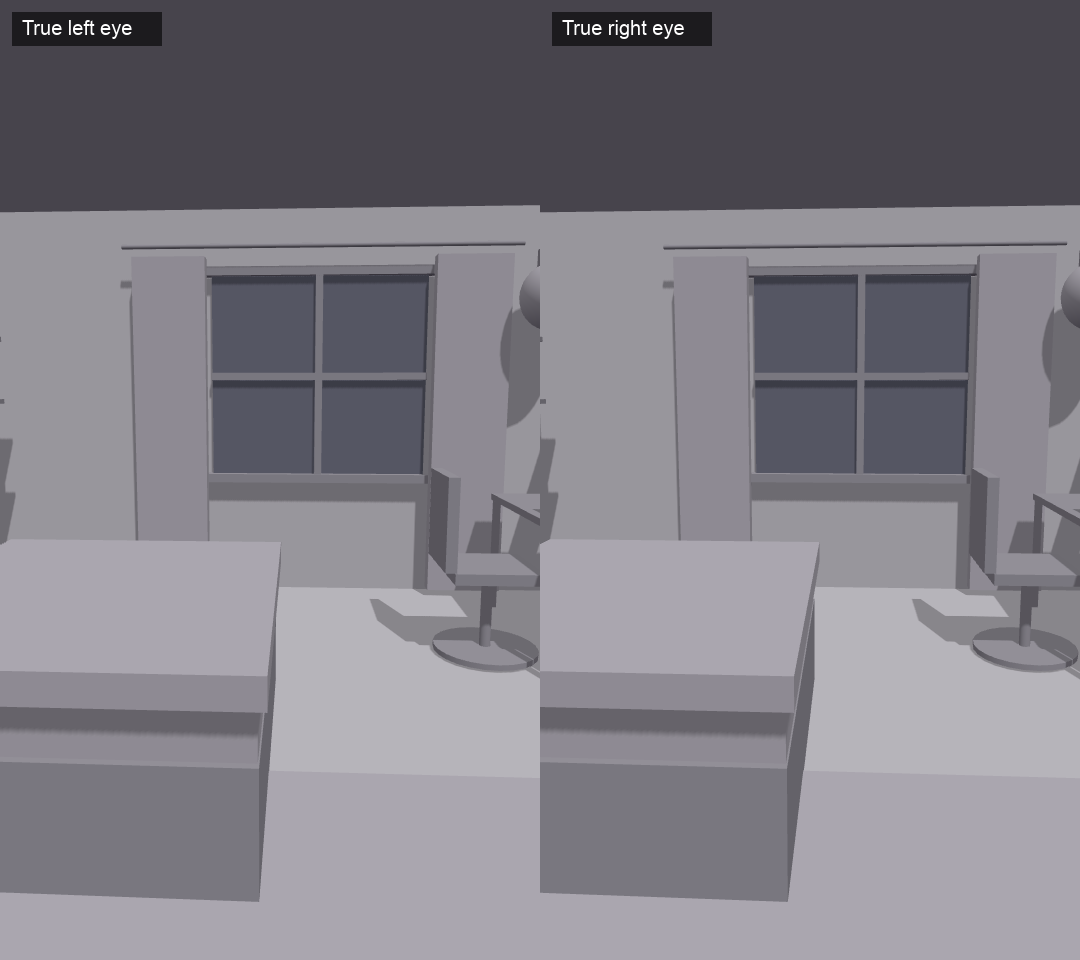
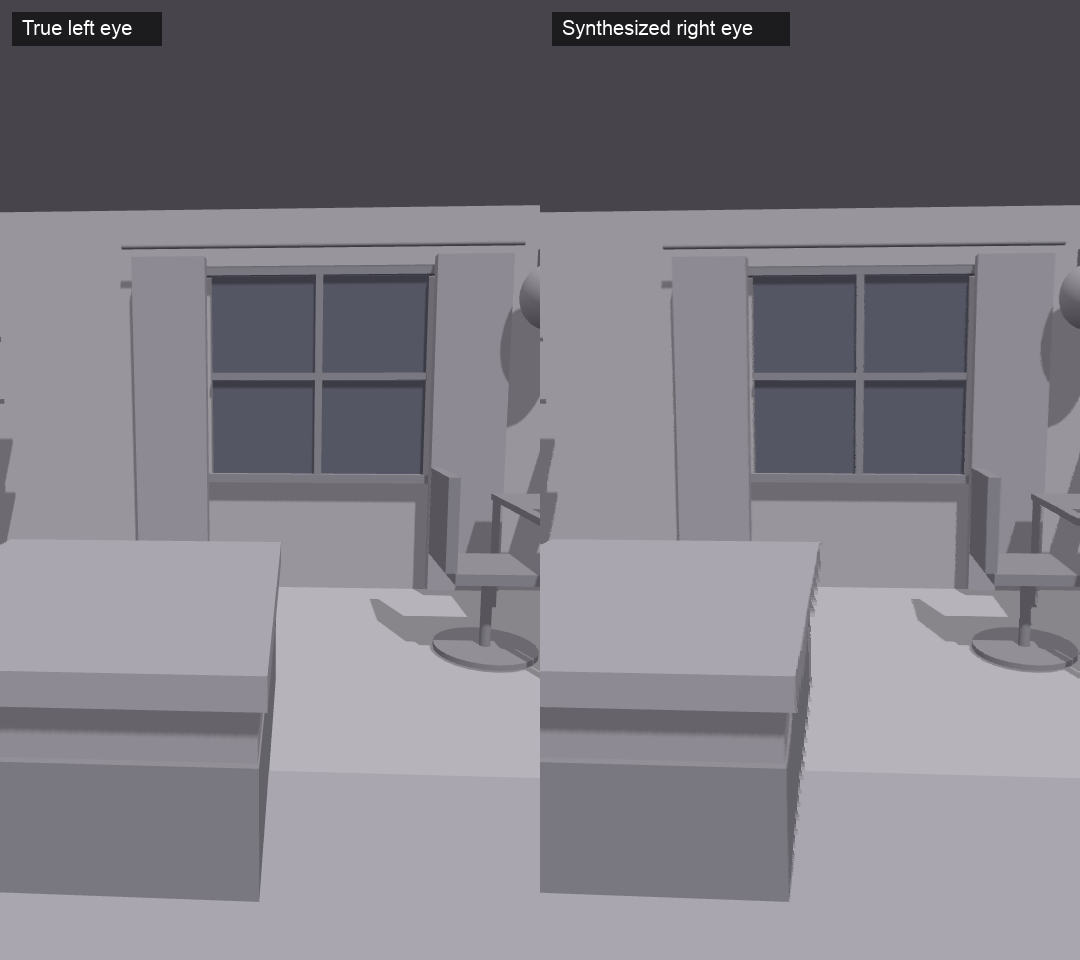
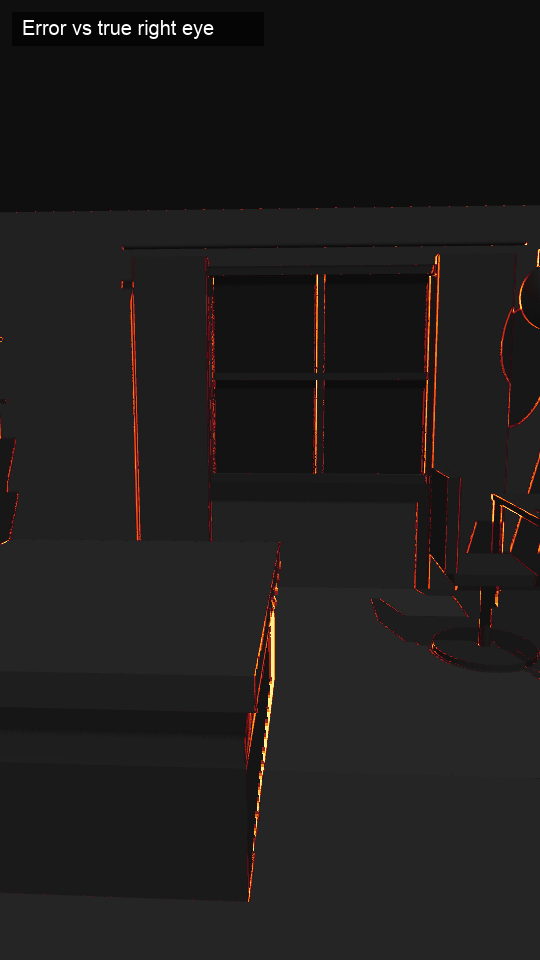
What the numbers say
Across 48 frames of a slow push towards the window, the estimated shift between the two eyes was off by 1.2 pixels on average. That's after I fitted the estimate to the true depth with one scale and one offset for the whole clip. A real film has no true depth to fit to. The true shift in that shot averages only about 5 pixels, so the mistake is nearly a quarter of it.
Fitting the depth again on every frame only lowered the error from 1.20 to 1.13 pixels, so most of the error is in the shape of the estimated depth. The estimate also flattened the room, pulling the back wall closer and pushing the furniture back.
The test shot is a plain grey render with almost no texture, so a wrong depth on a flat wall changes few pixels, and the picture error understates how wrong the depth would look on textured footage. It's also one shot of one room.
The gaps were the surprise. Moving the camera sideways reveals bits of the room the first eye never saw. The warp left gaps in 0.96% of the picture, close to the 1.14% that only the right eye can really see. The gaps and that area only partly overlap, with a score of 0.54 where 1 is a perfect match. Most of that area is a strip at the right edge of the frame, and the rest is behind the right side of near objects like the bed and the chair.
In the test, each gap was filled from the farther side, and that's where the smears around edges come from. The demo above fills its gaps a different way, with mirrored background, and I didn't measure that version.
Where it breaks
Hair, glass, mirrors and fast camera moves give the worst results. A depth map stores one distance for each pixel. A window pane and the view behind it need two, and a mirror needs the distance of what it reflects, so both come out at the wrong depth. Loose strands of hair come out with one hard edge. Objects in front of the screen that are cut off by the edge of the frame are uncomfortable to look at, so those need to sit behind the screen.
What others are doing
The stereo AI video I found is mostly made the same way, from a 2D clip that's converted afterwards. The strongest open tool I found fills the gaps with a second video model. The paper for a depth model made for video reports less flicker than frame-by-frame depth models, which is the kind I used here. Models that generate both eyes at once are still research papers. The comfort limits I used come from this review of what makes stereo uncomfortable, and the red and cyan colours from Eric Dubois's method. Some newer models go further and generate a whole space that a camera can move through. I tried one in Into the painting, but I haven't used one to make a second eye. The 3D layout of Lola's bedroom would be a fair way to check that.
What it showed me
A flat film can be given depth from the finished episode, but the second eye is a guess. Smoothing the depth over time fixed most of the flicker in the Lola clips. On the test shot, most of the error is in the shape of the estimated depth. The picture error is highest where something near meets something far, and the method gives the worst results on hair, glass and mirrors.
What stayed true is that depth has to be directed, so a filmmaker needs a strength and a focus control. Lola Studio already has a 3D layout of Lola's bedroom, and the second way would give the video model that same layout for both eyes. No model I can use does that yet, so for now the first way is the one I have.
Next question
If the video model got the same 3D layout for both eyes, would the two views agree well enough to skip guessing the depth altogether?
More experiments
Catching mistakes before they're filmed
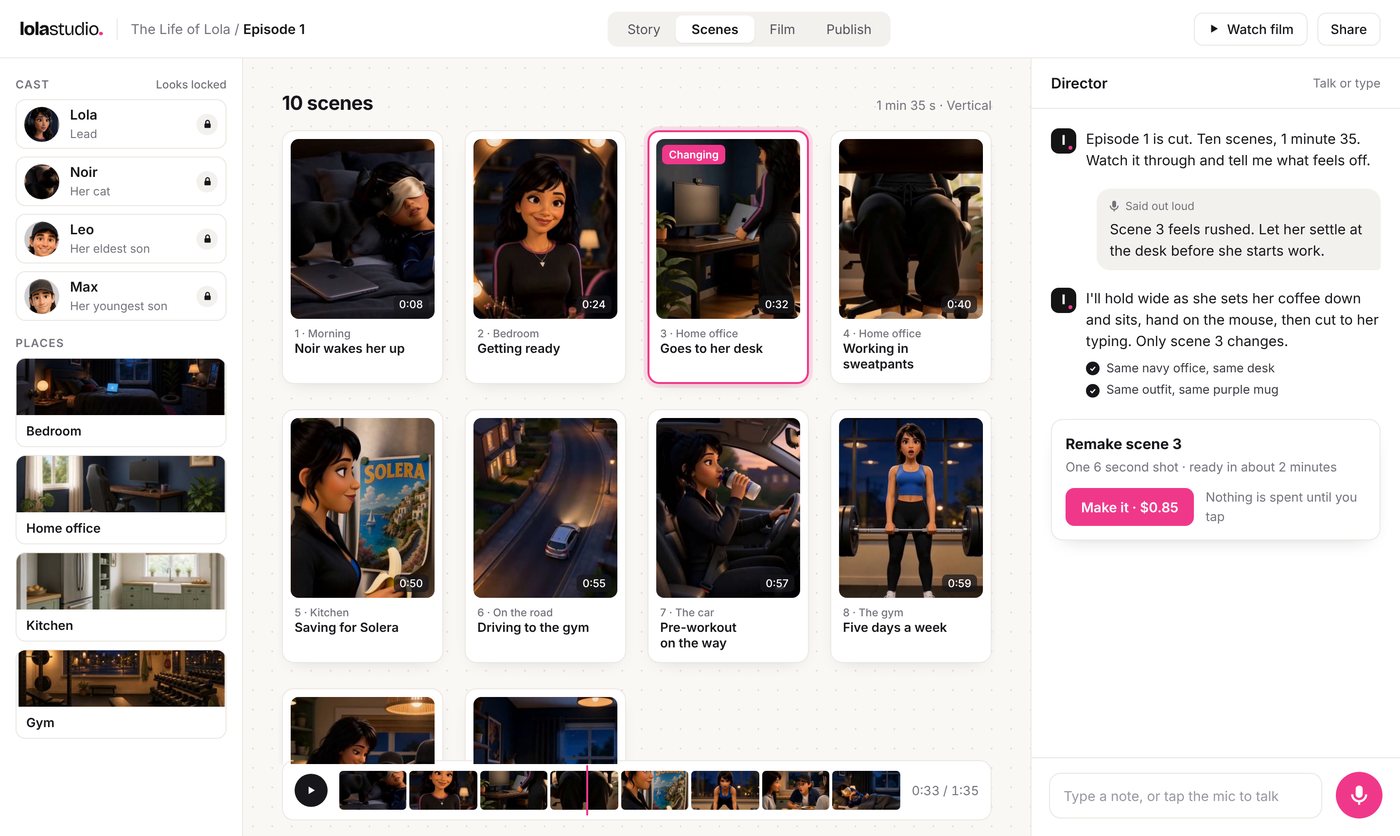
The Life of Lola is my own series, made with AI video, and every bad take had to be paid for and made again. I started building Lola Studio to help me direct episode 1, and I logged every take along the way.
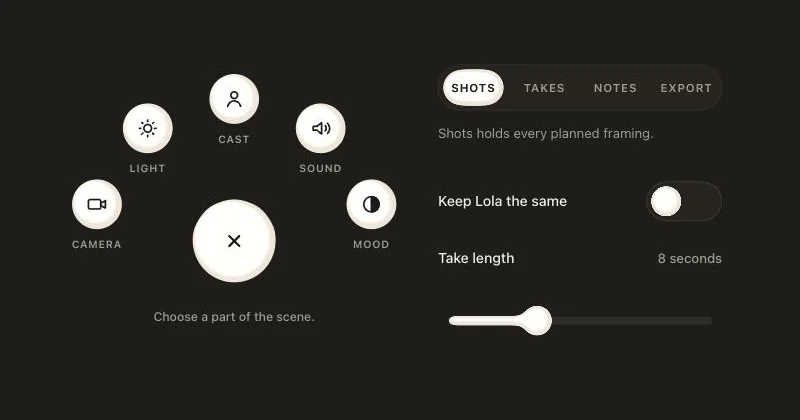
Controls that melt into droplets
I wanted to try a different style of controls for Lola Studio, so I made the controls for directing a scene from a gooey material. The menu melts open into droplets and the slider handle wobbles when you let go.
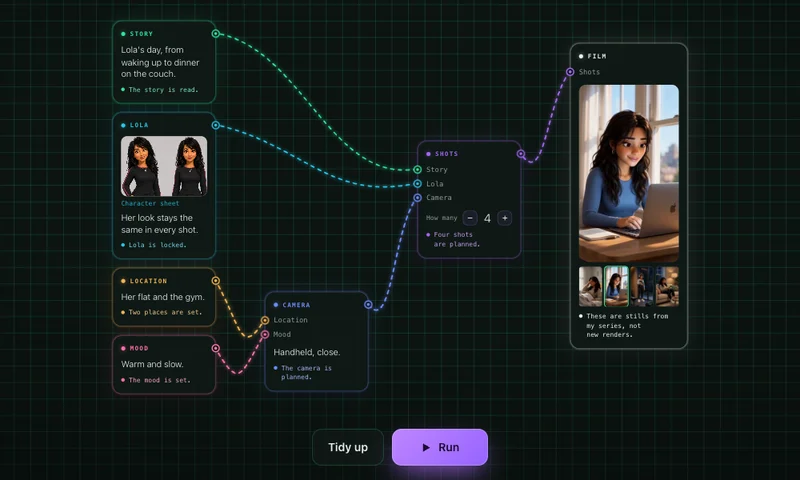
Wiring a scene together, card by card
I laid out a Lola Studio scene as cards joined with wires. The story, Lola, the place and the mood feed the camera and the shots, and pressing Run puts the film together.