How much can I control what a world model invents?
I turned a painting into a 3D world to find out how much control I get over what a world model invents. I asked it not to add a bridge, and it added one anyway. When I painted the bridge out of its 360-degree view instead, the bridge stayed gone. Further down is the depth version I built first, and the steps that led here.
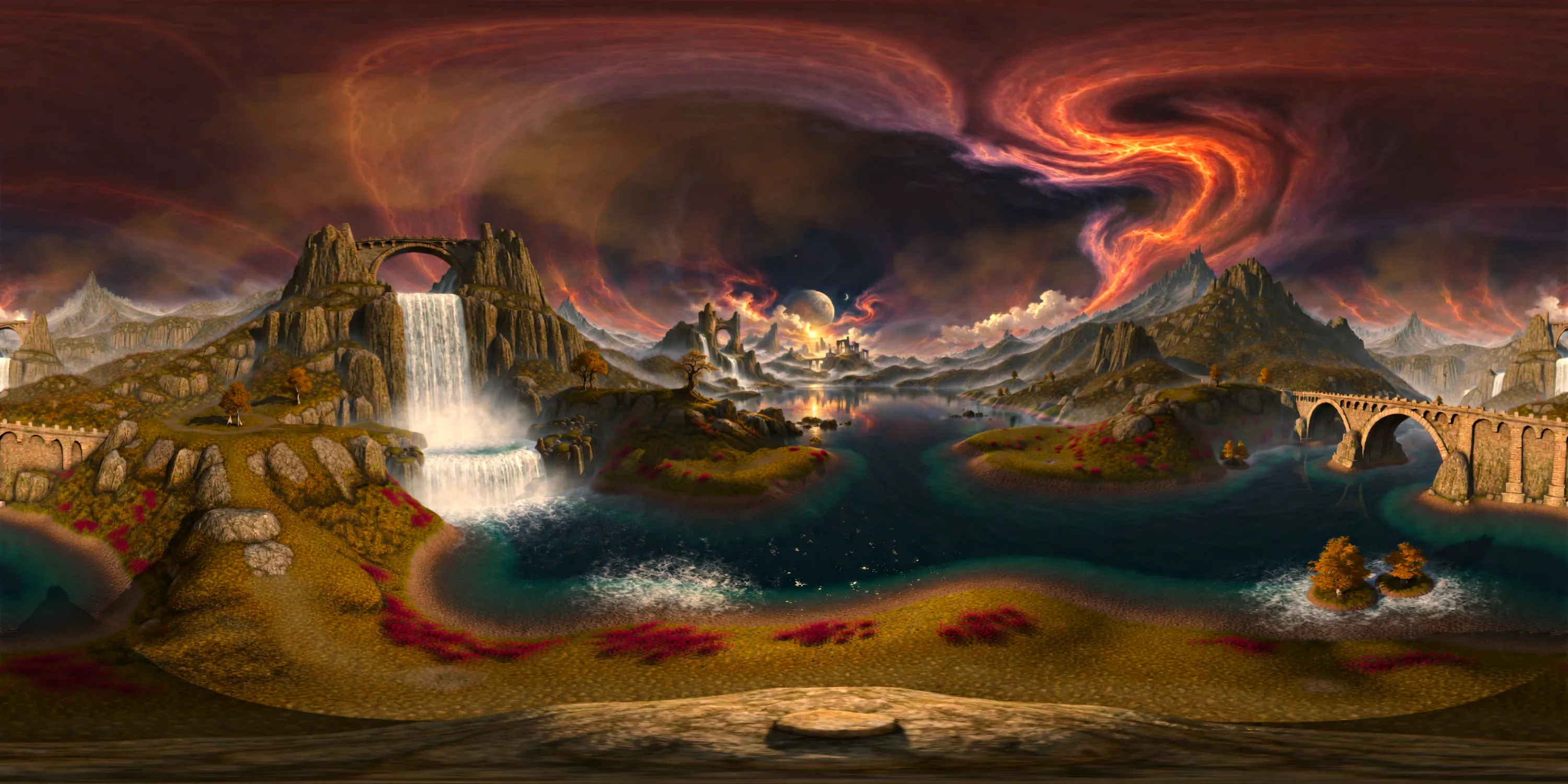
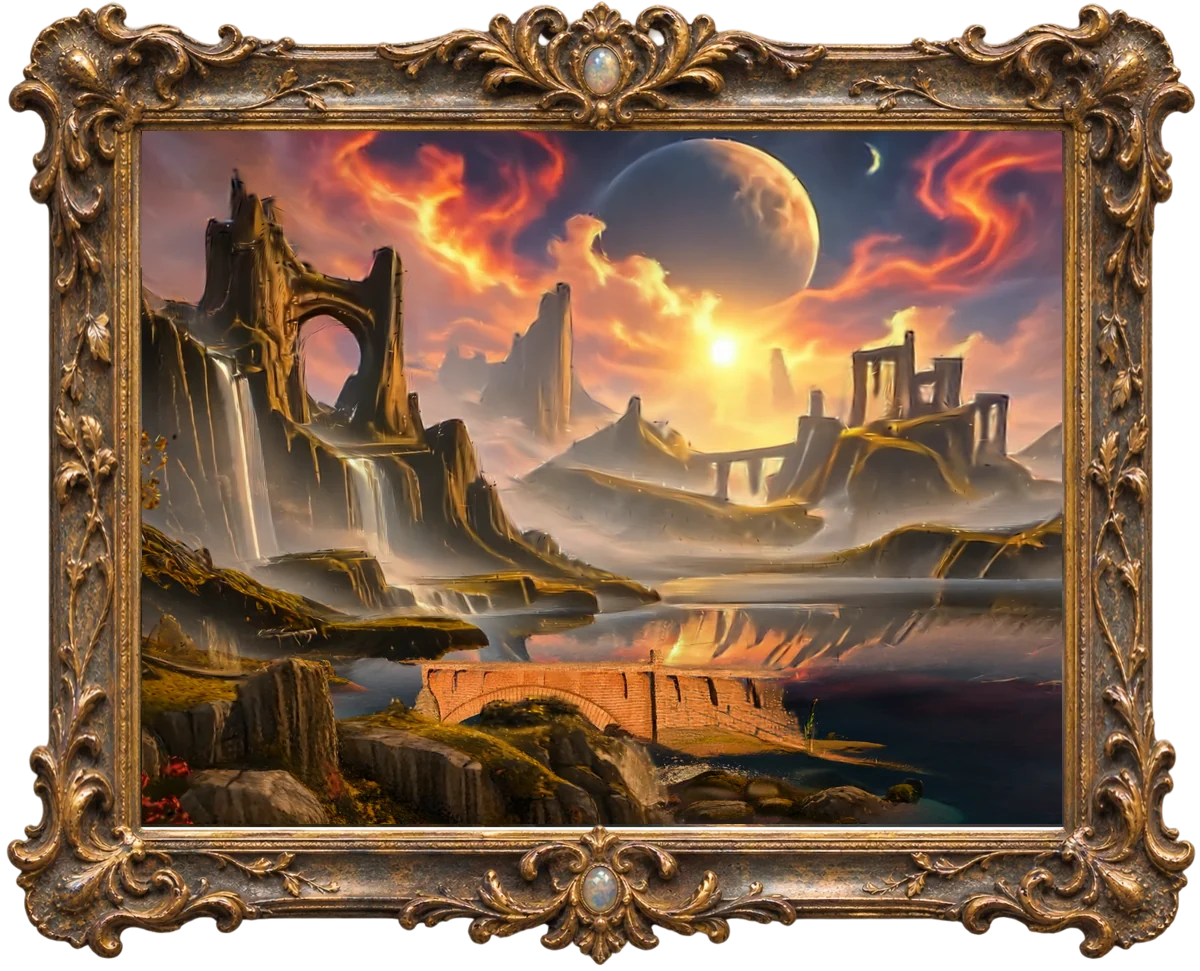
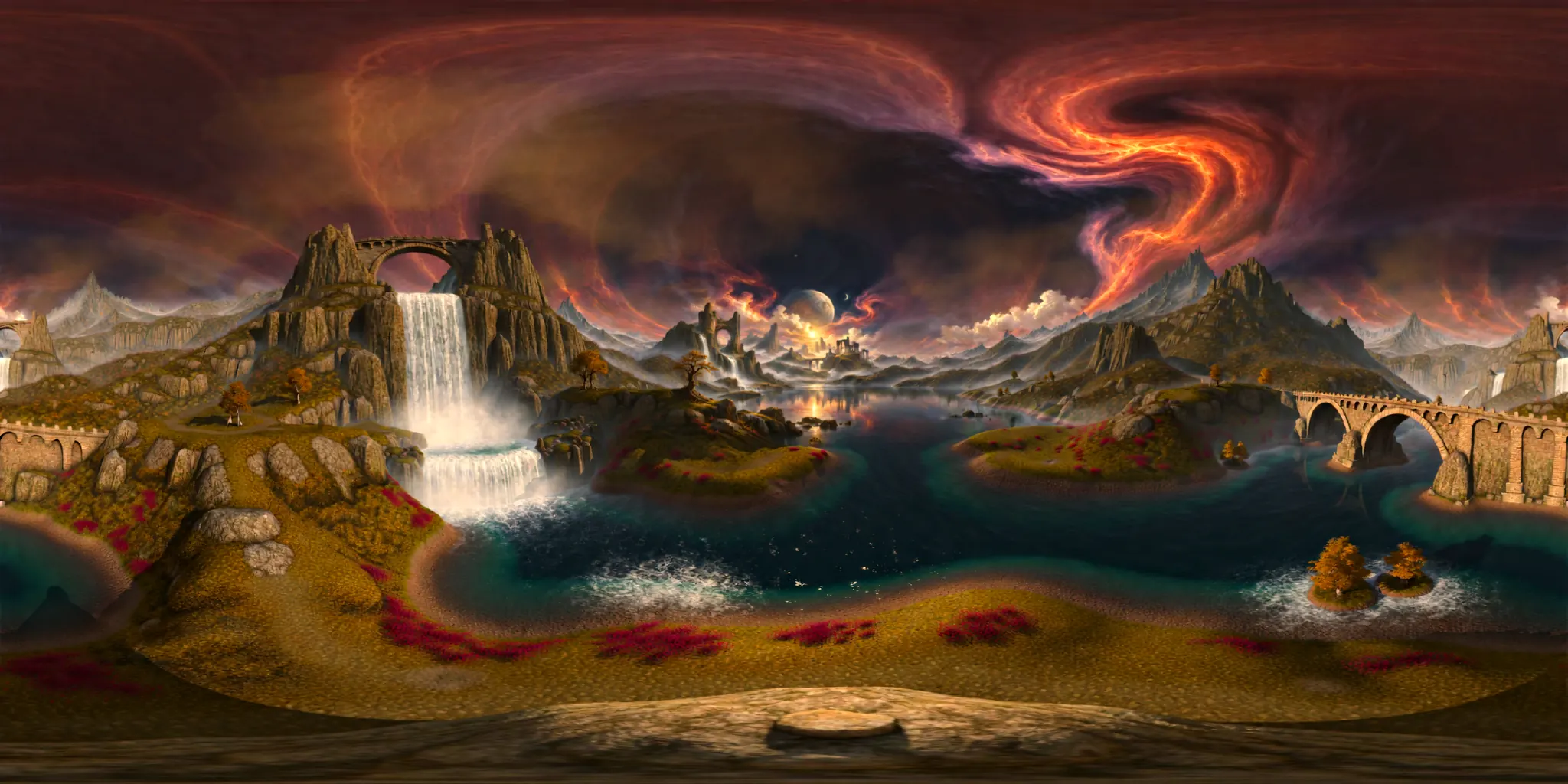
The painting, opened out into a full 360-degree view by a world model. Everything outside the original frame is invented.
Telling it versus showing it
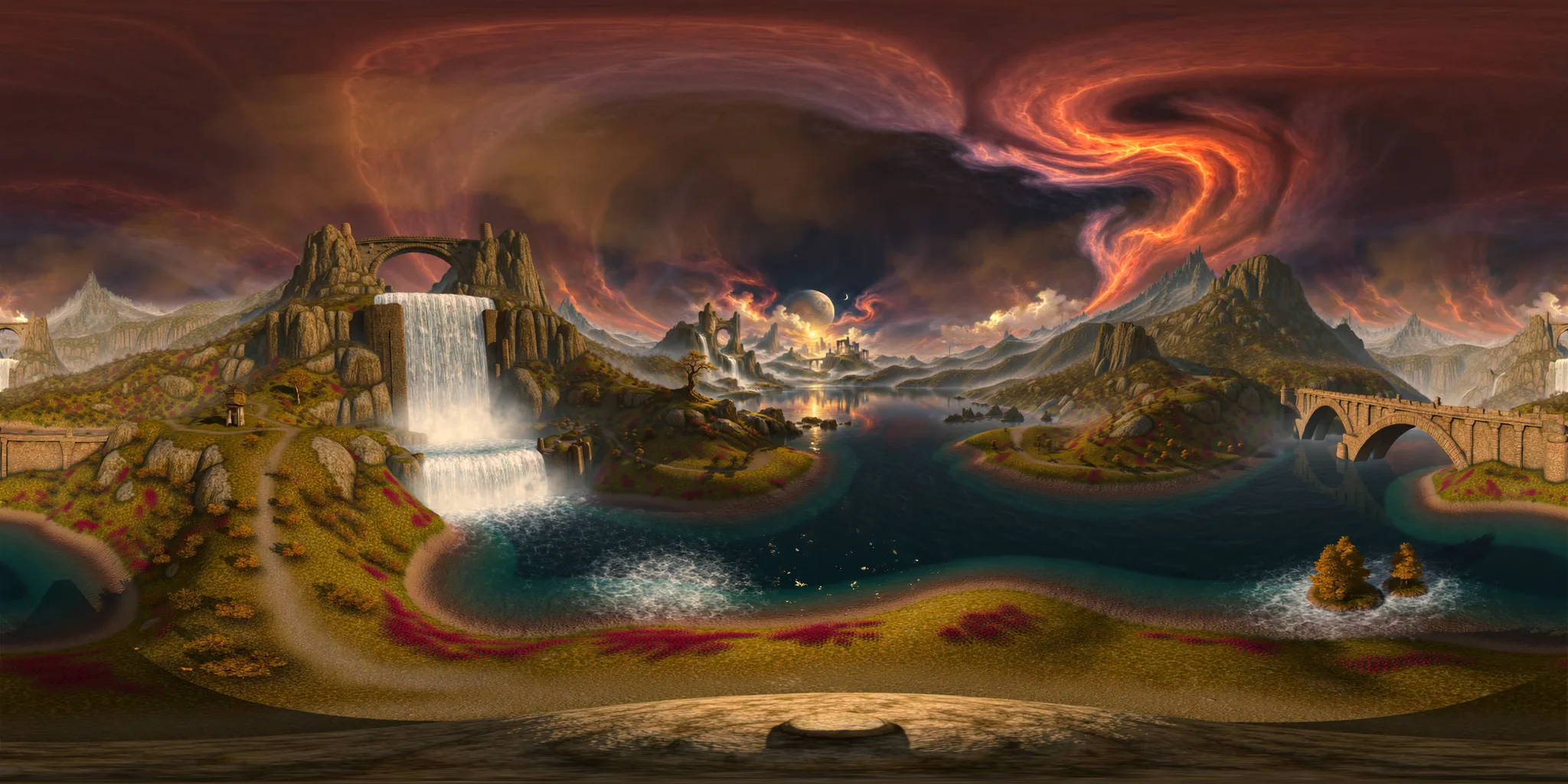
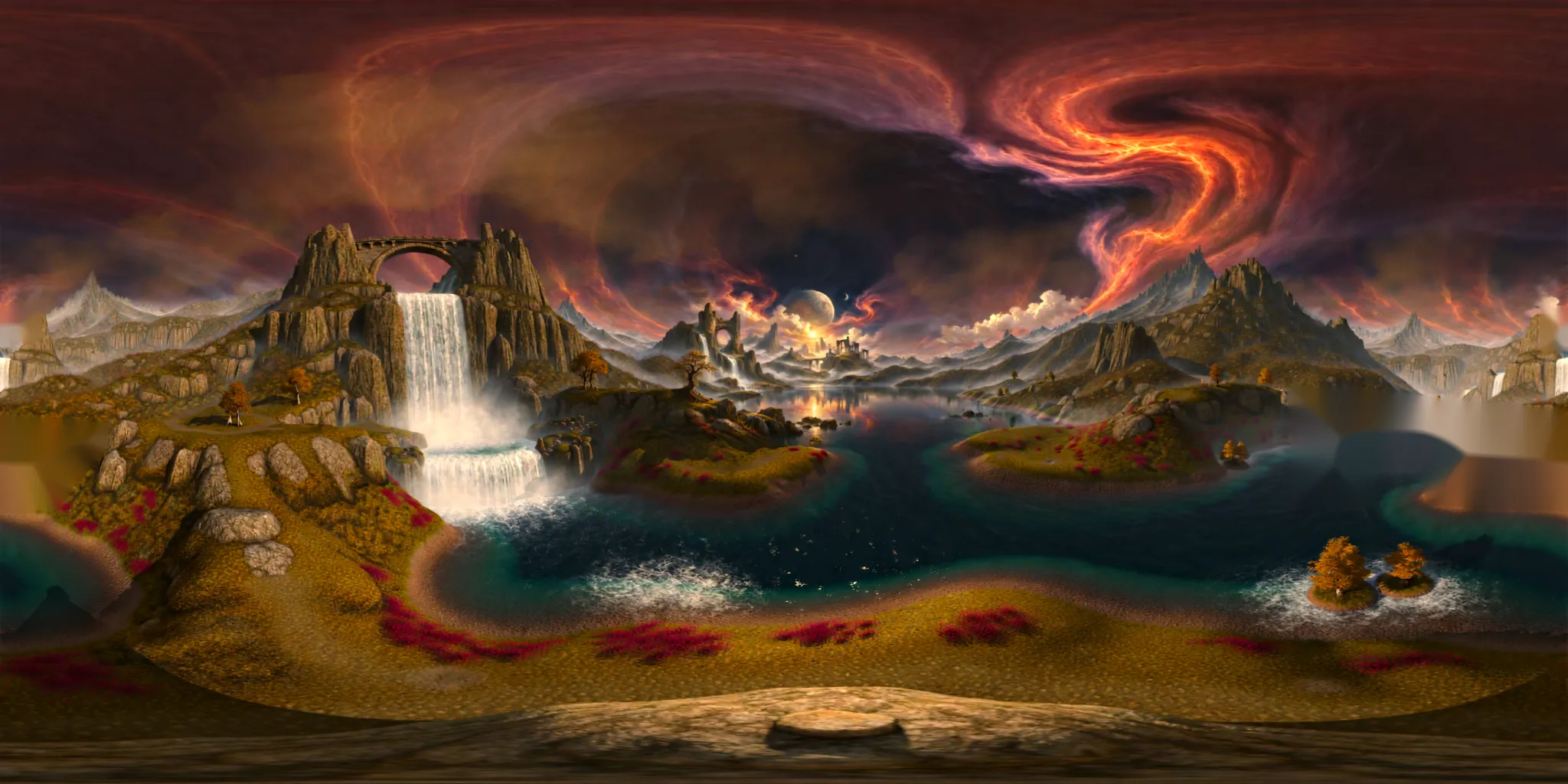
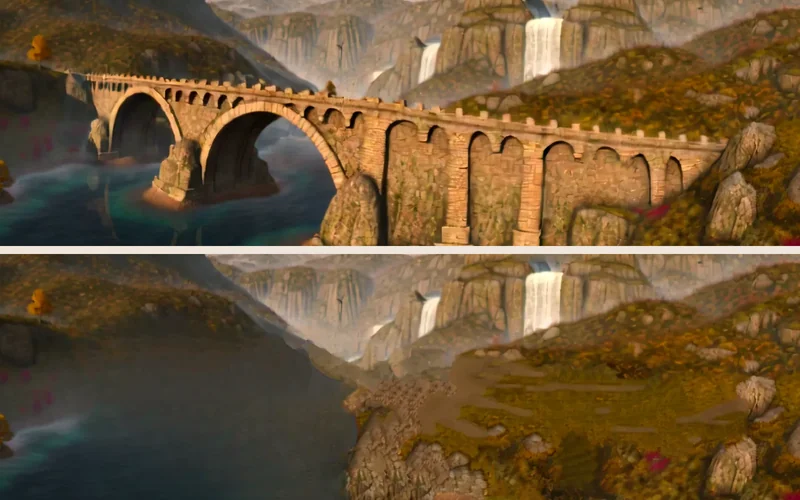
The two pictures show the same corner of the world, built twice. For the first one, I told the world model “There are no bridges anywhere in the scene.” For the second one, I painted the bridge out of its 360-degree view and gave it that picture to build from.
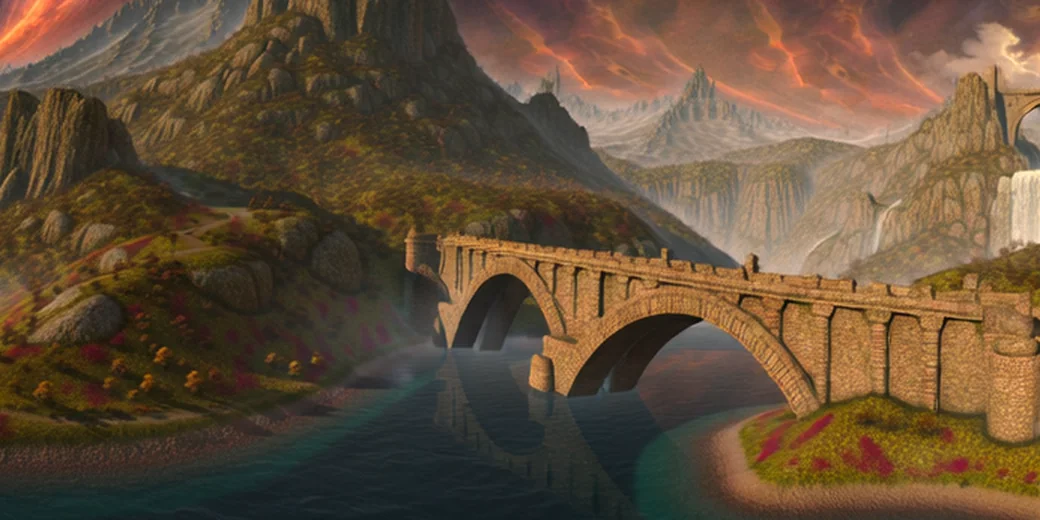
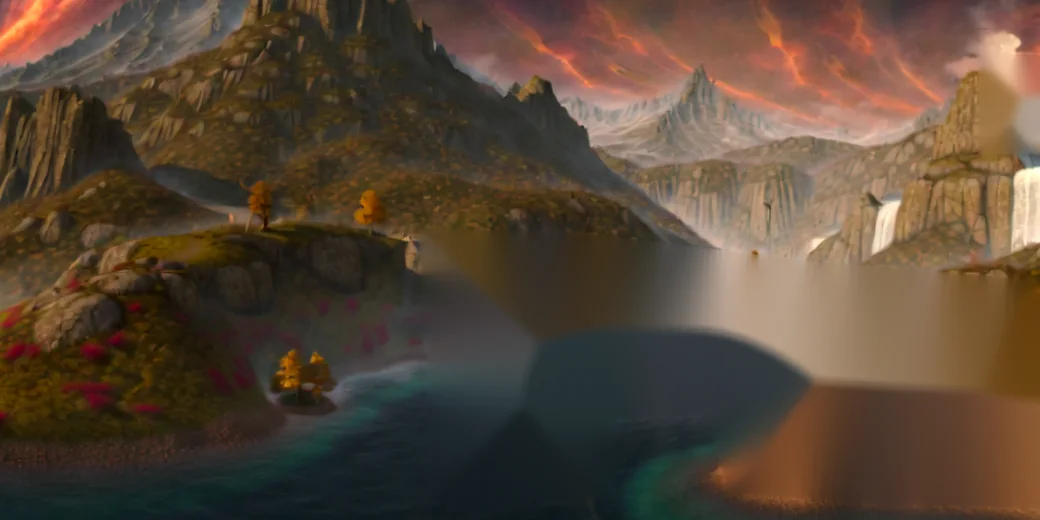
In this test on one painting, showing the model a picture worked and telling it in words didn't. Step three, near the end, has the whole test.
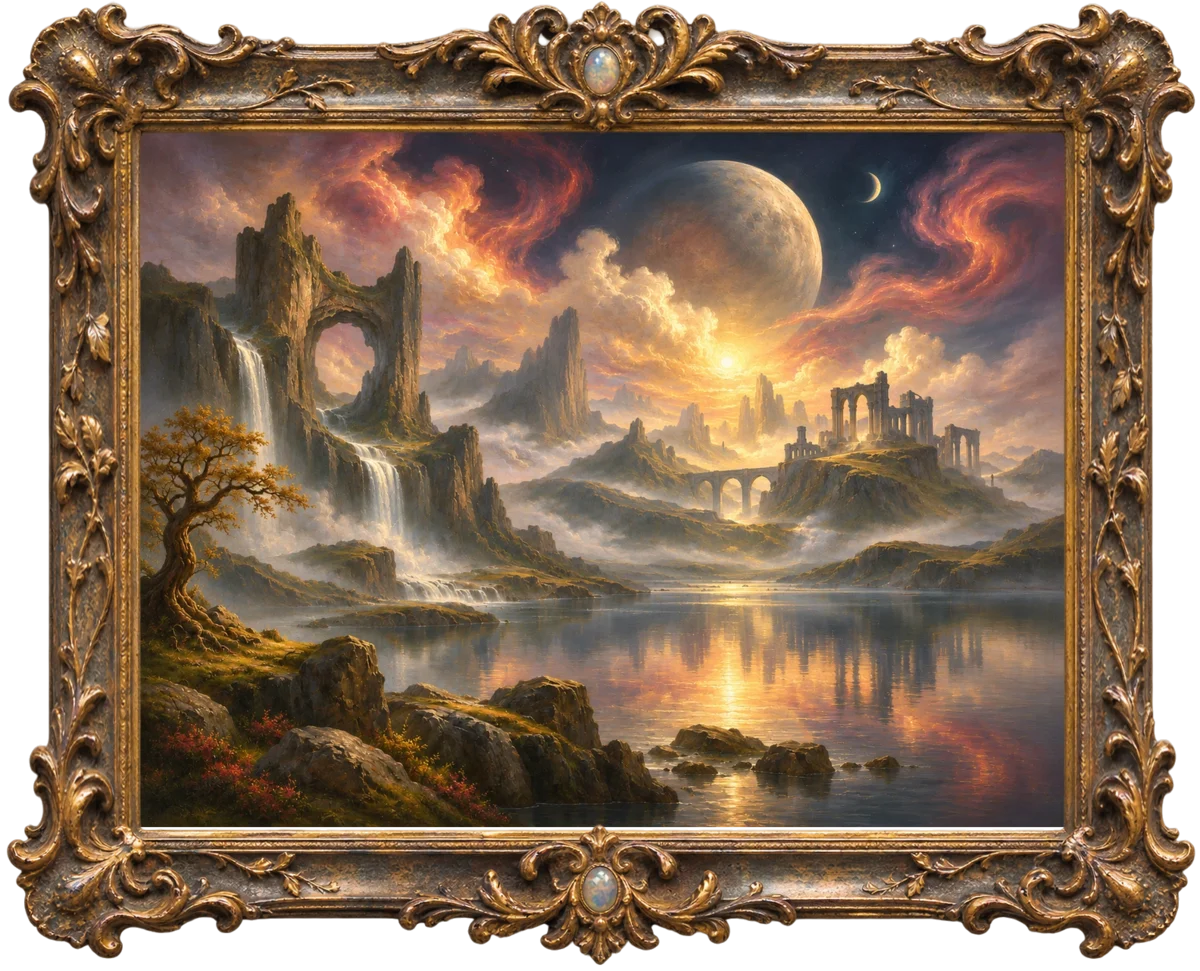
Try it. This is the original test image, the painting I started with, rebuilt in 3D. Press play, then move your mouse or finger to look around. Scroll or tap to fly in. To move, drag the dot in the circle at the bottom left, or click the painting and use the W, A, S and D keys or the arrow keys. The + and − buttons zoom in and out. Moving over the lake makes ripples.
Getting it into 3D was the easy part. The hard part was everything the painting never shows, like the sky behind a tree.
What I learned
The first thing I noticed was that edges float. The depth map is soft around the edges of things, so some pixels landed halfway between the tree and the sky and hung there as loose dots. Now each of those pixels joins whichever side its colour matches.
Then I found that every object hides a hole. Move a little and you can see behind the arch, where the painting has nothing at all. Flat colour looked wrong there, so now the gaps copy real texture from nearby, a bit like a clone stamp.
Colour couldn't tell the rocks from the water, either. The sun's reflection is just as warm as the rocks, so to keep the rocks still while the lake ripples, I traced them by hand.
What it showed me
The depth model only gives a guess, and turning that guess into 3D was the easy part. The scene only looked right when you moved after I fixed the loose pixels at soft edges and the holes behind each object, where the painting shows nothing at all. Both fixes came from the painting itself, from its colours and its own nearby texture.
Colour wasn't enough everywhere. It couldn't tell the rocks from the water, so I traced the rocks by hand to keep them still while the lake ripples. The lake ripples now, and what I want to find out next is whether other parts of the painting can move without it looking like a video.
The same painting, made by a world model
I gave the same painting to a world model, which turns one picture into a whole 3D place. My version is in Try it above. Press play, then drag to look around. To move, drag the dot in the circle at the bottom left, scroll, or use the W, A, S and D keys or the arrow keys. Q and E move you up and down. Pinch, or use the + and − buttons, to zoom in and out.
What the world model filled in
In my version, one small step forward opens plain patches around the near rocks and the tree, because the painting has nothing behind them. The world model filled in what's behind things. I moved about 10 metres forward, left and right, then 50 metres forward past the bridge, and I turned all the way around. I saw no holes in any of those views.
But it doesn't keep the painting. From the painting's own viewpoint, the tree on the left is gone, and the far arched bridge has become a large brick bridge close to the camera. The ruins have become a blocky castle, and the misty middle distance is smoothed into simple, glossy shapes.
Where it breaks
The sky, the moon and the far mountains hold up in every view. The near ground is the weakest part. Step forward and the edges of the bridge smear into the water. Step left and the ground turns into dark, blurred lumps, a thin tree appears that the painting never had, and small dark specks float in the sky.
Go past the bridge and the reflections on the lake stretch into long streaks, and the rock ledge on the left becomes a smooth slab. Further in, most of the view turns to blur, so I stop the camera before it gets there.
What this means for AI video
When I direct AI video, the hard part is keeping a place the same from one shot to the next. A world model gives me one space that stays put, so a camera could move through it and every shot would agree on where things are. It doesn't keep the original picture, though, so I'd still need to check what it changed before I use it.
Step two, a bedroom
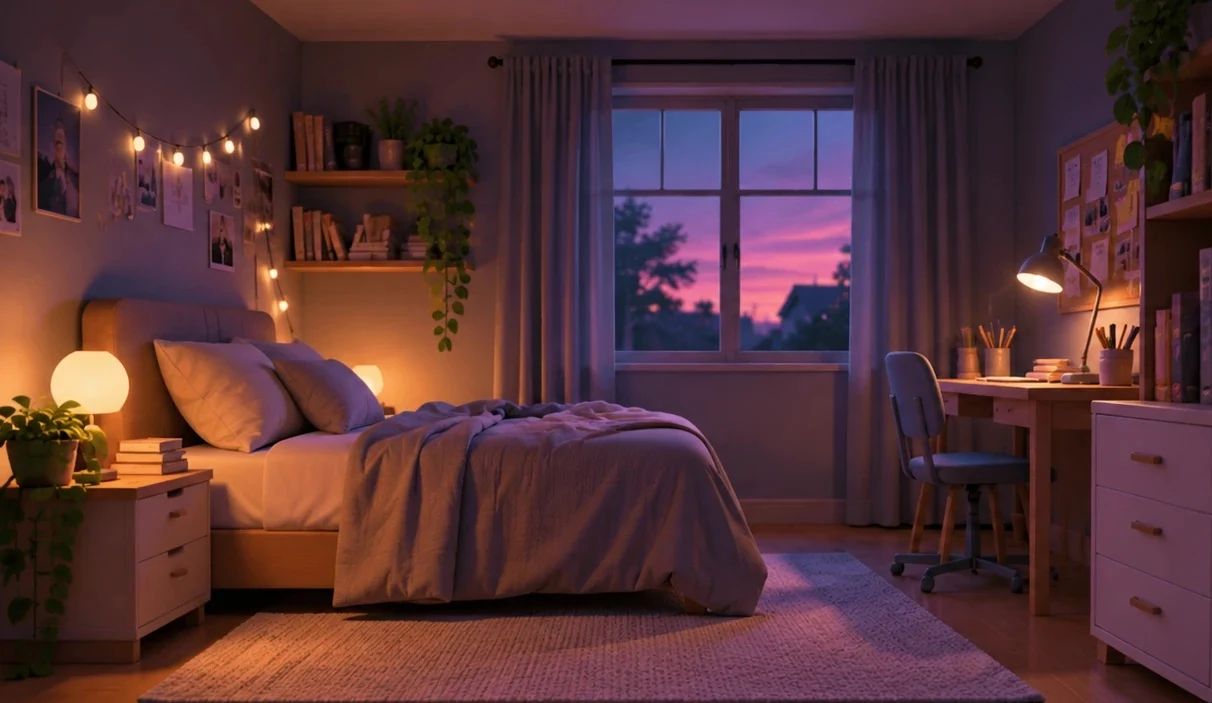
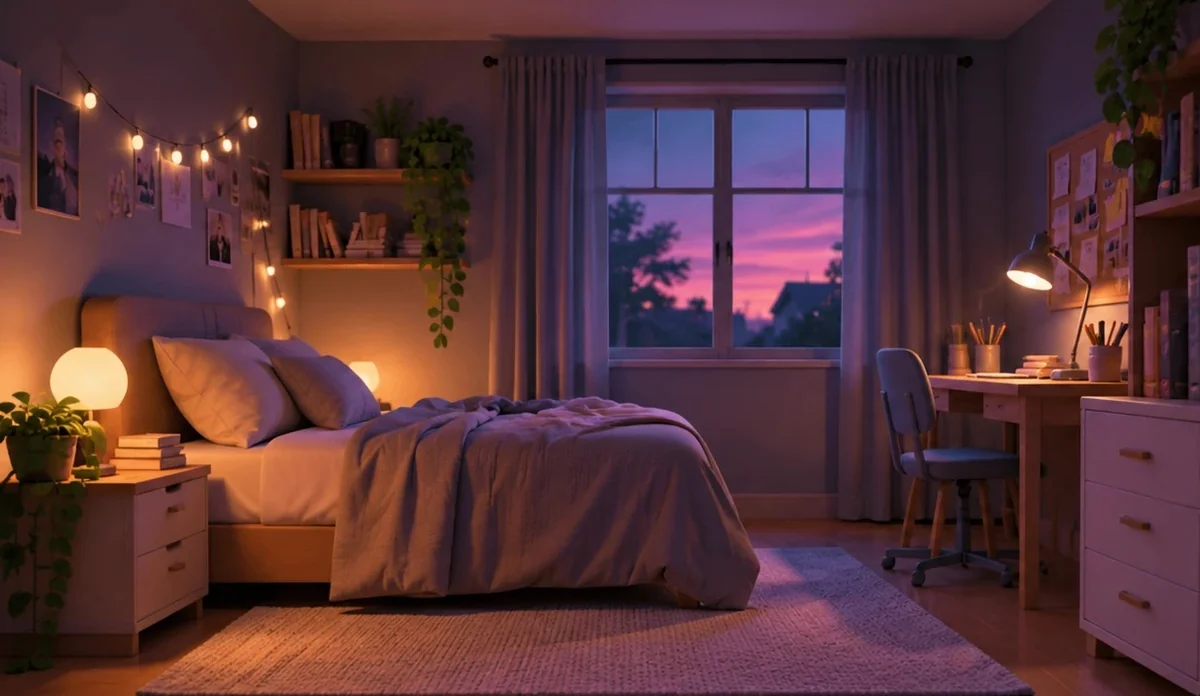
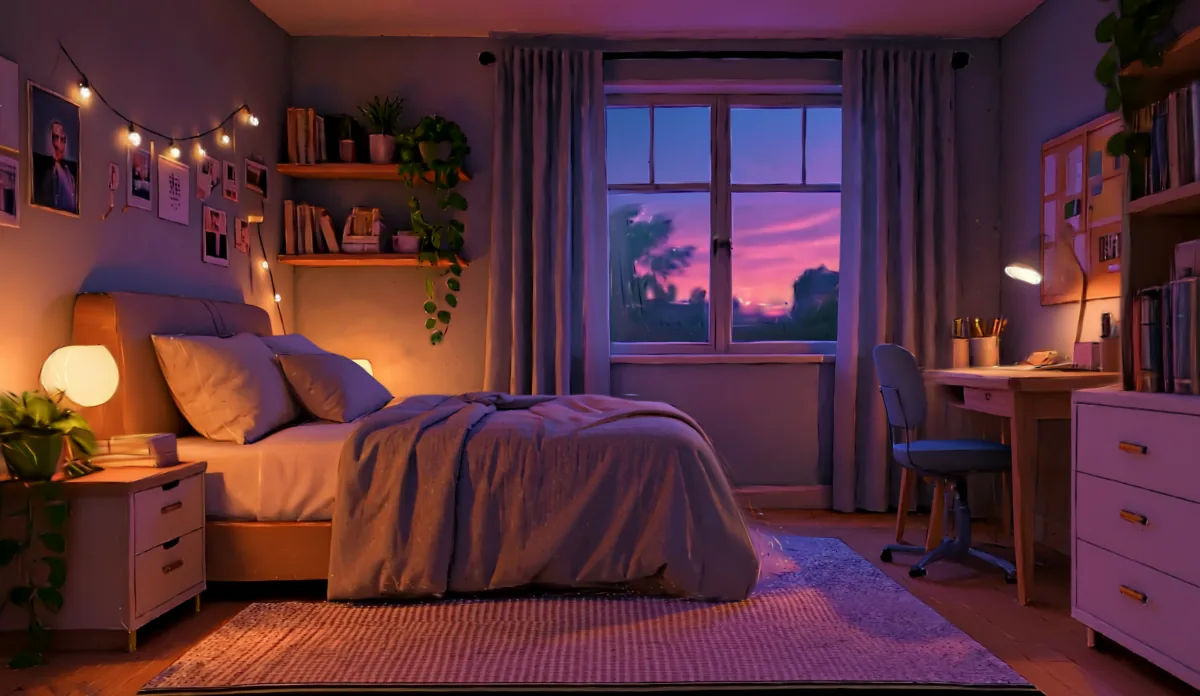
Next I tried a picture of a bedroom I made up while designing a room, with a bed, shelves, a window and a desk. A room has hard edges and furniture close to the camera, which a landscape painting doesn't. The original picture comes first. Under it are two 3D versions, my own and the world model's. Press play on either one, then move your mouse or finger to look around. The circle and the + and − buttons work the same way as in the painting.
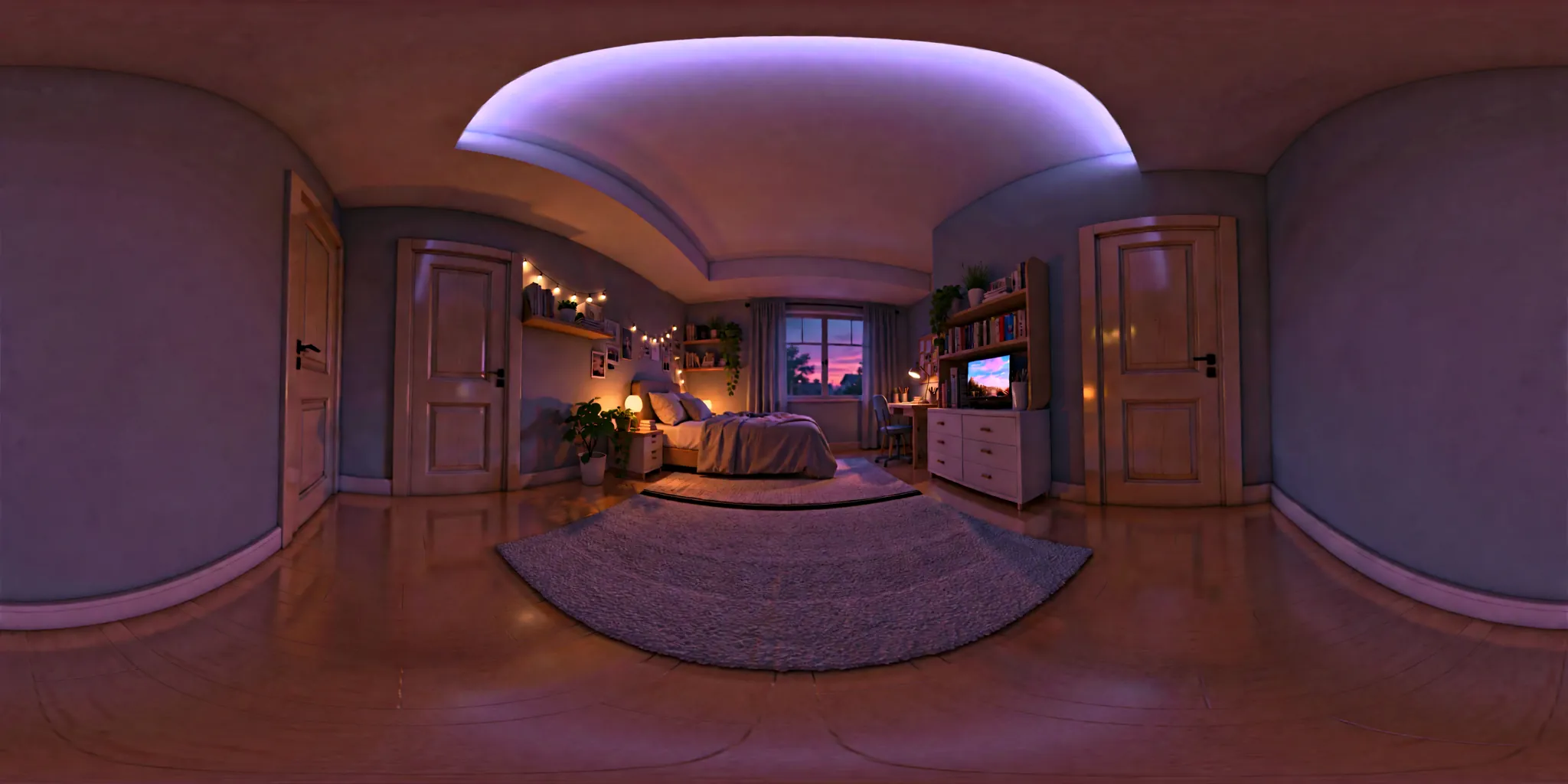
What the bedroom showed me
The bedroom breaks sooner than the painting. Even before I move, dark specks and ragged gaps run along the edges of the duvet, the pillows, the chair and the desk legs, where the depth jumps. One small step forward makes those gaps wider. Towards the window, the glass and the sky stay sharp, but the edges of the curtains turn wavy and torn.
The world model keeps the bed, the window, the shelves, the string lights and the round lamp where the picture has them. But from the picture's viewpoint, the desk lamp becomes a floating glow without its arm, and the house outside the window turns into a blurred bush. When I step forward, left or right, it stays a solid room with no gaps along the duvet or the chair. Look to either side and it invents parts of the room the picture never shows, with three doors and a screen on top of the dresser. The wall behind the start view smears into blurred dark patches and a thin bright streak.
Step three, telling it what to invent
In the painting's world, the world model invented a large stone bridge on the right that the painting never had. So I asked a new question. Can I tell a world model which parts it's allowed to invent? I tried two ways, first in words and then with a picture. Each picture below is the whole 360-degree view, flattened, with the painting in the middle.
What telling it showed me
Words didn't work. With the sentence “There are no bridges” and the same settings, the bridge came back exactly where it was. An earlier try had no bridge, but its description of the scene also asked for “a multi-arched bridge”, so I can't say the instruction caused that result. Two almost identical prompts gave opposite results.
A picture did work. When I give the world model a finished 360-degree view, it builds the world from that view and doesn't invent its own. I looked in the 3D world from five directions, including towards where the bridge was, and found no bridge. The catch is that it copies everything I give it. My quick fill became blurry water and fog in 3D. In One rule, I gave that job to an AI agent, with tools and one written rule.
For directing AI video, this suggests I can decide what exists in a place by drawing it. I've tested that on one painting only. The tests used the faster, less detailed version of the world model, so the worlds are softer than the one in The same painting, made by a world model.
Next question
Can a world model keep the painter's brushstrokes when it invents what's outside the frame?
More experiments
I gave an AI agent one rule for a world model
I gave an AI agent seven tools and one written rule, which was no bridges outside the painting's frame. It removed three invented bridges and changed 4.99% of the 360-degree picture's pixels, but a thin black line still shows in 3D where one bridge stood.
I posed Lola like a teapot
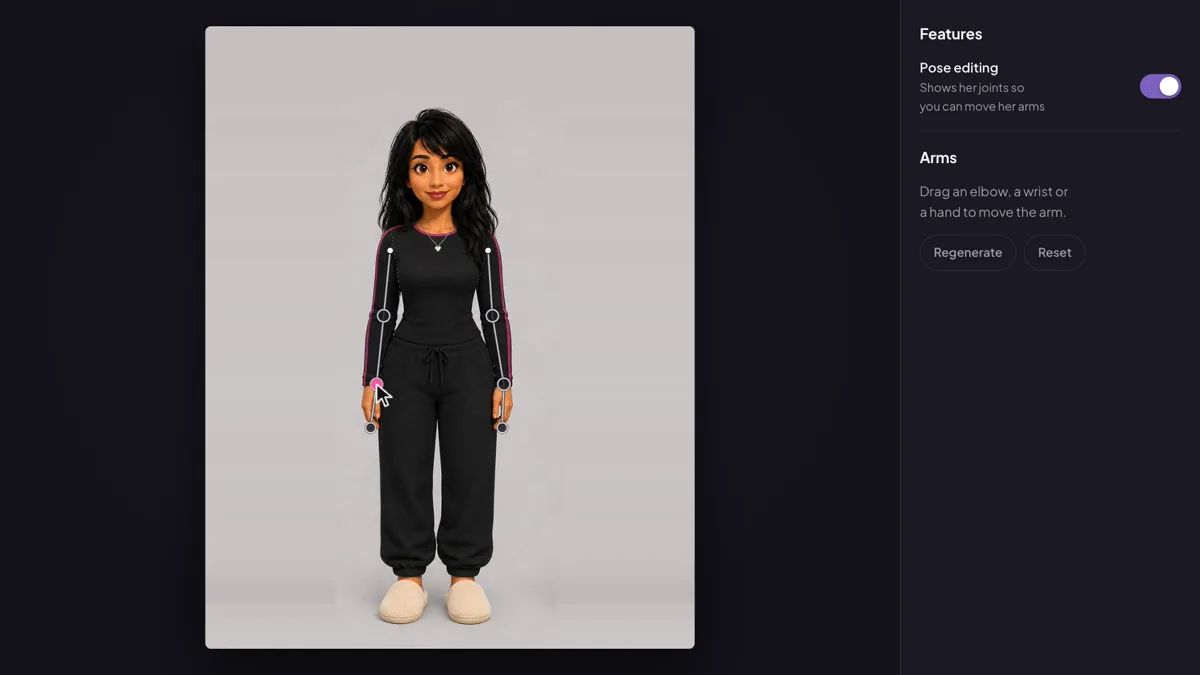
I built a small app where you drag Lola's elbows, wrists and hands into a new pose, then press Regenerate. An image model redraws her in that pose, and the recording shows her posed like a teapot.
A tool an AI agent calls to check the shot before I pay for it
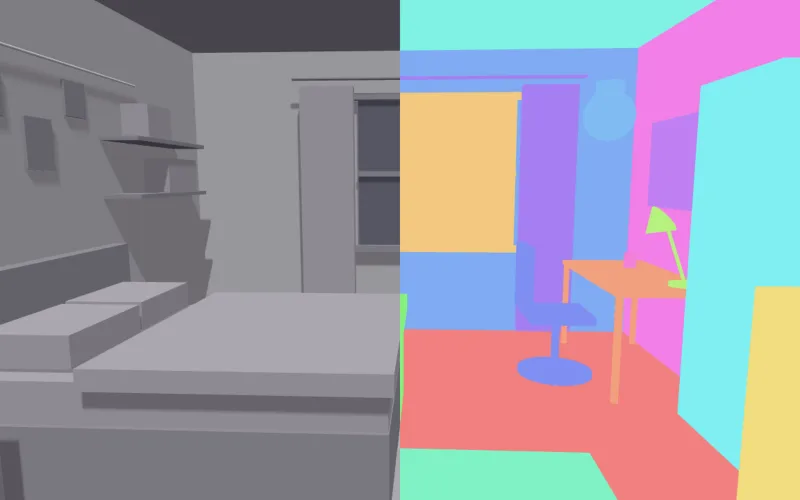
I built a small MCP server that works out what a planned camera move will show in the 3D layout of Lola's bedroom. It finds the objects the prompt names that the camera never shows, or loses partway, before any video is made.