I posed Lola like a teapot
When a frame of Lola is almost right, the usual fix is to write a new prompt and hope the next picture gets the pose right. I wanted to try moving her myself, like posing a doll, and only then ask AI to redraw her.
Watch it. Lola starts in her character sheet pose. I turn on pose editing, put one hand on her hip and lift the other arm, then press Regenerate. The wait for the redraw is about a minute, so the video skips part of it.
So I built a small app. You turn on pose editing, drag her elbows, wrists and hands into a new pose, and press Regenerate. An image model then redraws her in that pose.
What I learned
Bending the picture gets the pose right but not the drawing. The elbow stretches, and moving an arm leaves a gap where it used to be. Her hands also hid the sides of her trousers, so the picture never had that part at all.
A small fill model wasn't enough. My first version filled the gaps with a free model that runs in the browser, and it left smudges and dark streaks down her side. Redrawing the moved arms with a full image model fixed the elbows and the gaps in one step.
The image model redraws the whole picture, even when it's told to change only the arms. Pasting back just the arms left seams, so the app now lines up the whole redrawn picture with the original one.
The picture alone wasn't clear enough. On one try the model put her hand in her pocket instead of on her hip. Now the app also describes the pose in words, worked out from where the joints are, and the model follows it.
Getting the pose right didn't mean the body looked right. Early redraws gave her lumpy shoulders and an upper arm that was too long. Now the app tells the model the bent arms are only a guide, asks for level shoulders and arms of the same length as before, and lets it redraw the shoulders as well.
How it works
The picture is the front view from Lola's character sheet. I marked her shoulders, elbows, wrists and fingertips by hand, and traced where each arm meets her body.
Each arm is cut out and laid over a mesh of small triangles. When you drag a joint, the mesh turns around the shoulder, elbow or wrist, and each turn is blended over a short stretch so the sleeve bends instead of tearing. A checkerboard shows the gap the arm left behind.
Regenerate paints the gap with the sheet's grey, then sends three things to an image model. It sends the bent picture, the original picture so she stays the same character, and a mask of the arms that moved. With them goes a short description of the pose, like a hand resting on her hip. A small server on my computer holds the key, so it never reaches the browser.
What it doesn't do
The joints were marked by hand for this one picture, so it works only on this picture. Only the arms move. Each redraw takes about a minute and costs a few cents, and it can change small details, like the shape of her fingers. It also runs only on my computer for now, so this page shows a recording instead of a live demo.
What it showed me
Moving Lola by hand got the pose right, but the drawing still needed an image model to redraw it. Each fix came from something the bent picture couldn't do alone, like filling the gaps, keeping her shoulders level and making the pose clear in words. Together they let the model redraw her in the pose I chose.
Posing her myself, like a doll, gave the model a pose to follow, instead of writing a new prompt and hoping the next picture gets it right. For now it works only on one picture with joints I marked by hand, and only the arms move. To pose any frame of the series this way, the joints would have to be found automatically.
Next question
Could the joints be found automatically, so I can pose any frame of the series this way?
More experiments
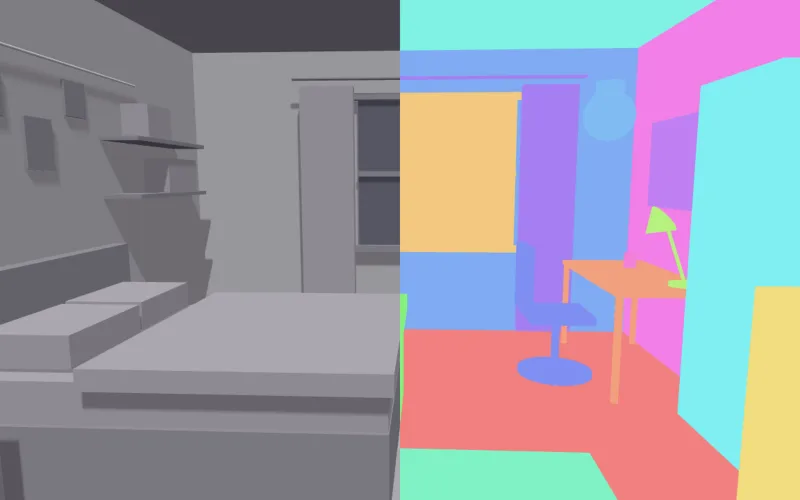
A tool an AI agent calls to check the shot before I pay for it
I built a small MCP server that works out what a planned camera move will show in the 3D layout of Lola's bedroom. It finds the objects the prompt names that the camera never shows, or loses partway, before any video is made.
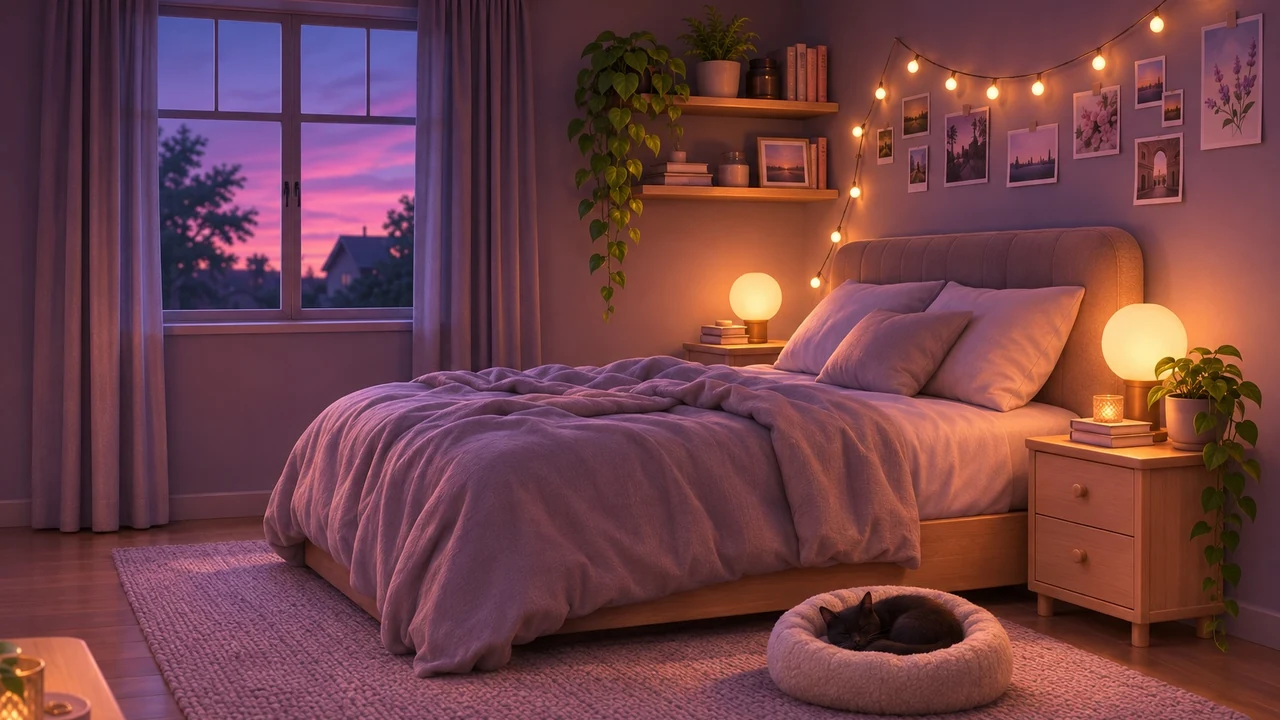
Building Lola's house as real 3D rooms
Lola is the lead in my AI video series, and her house only existed as a few pictures that didn't agree. This is the whole attempt to turn them into rooms a camera can move through. There's a kitchen grown from one picture, a floor plan that took 48 versions, and a bedroom built in 3D. It covers what went wrong and what fixed it.
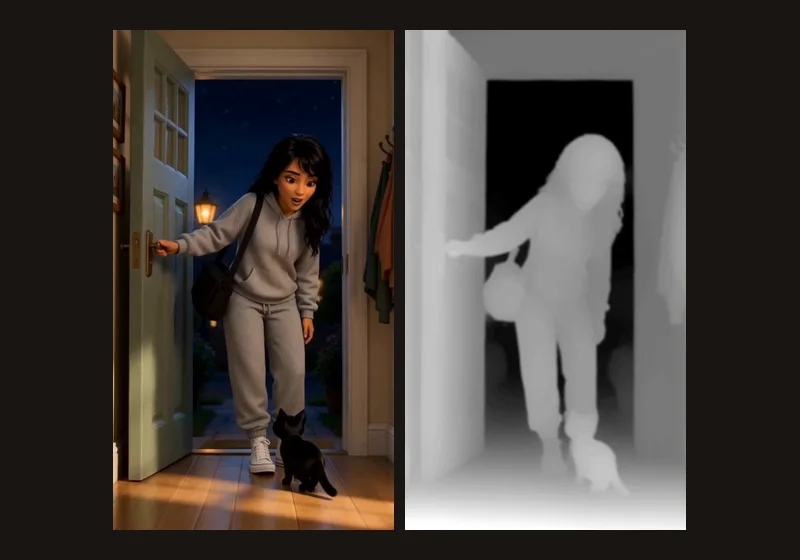
Turning a flat AI film into 3D
I turned scenes from The Life of Lola into 3D by estimating depth and redrawing each eye. Then I measured the same method on a separate test shot, where true stereo could be rendered from a 3D layout of Lola's bedroom.