I gave an AI agent one rule for a world model
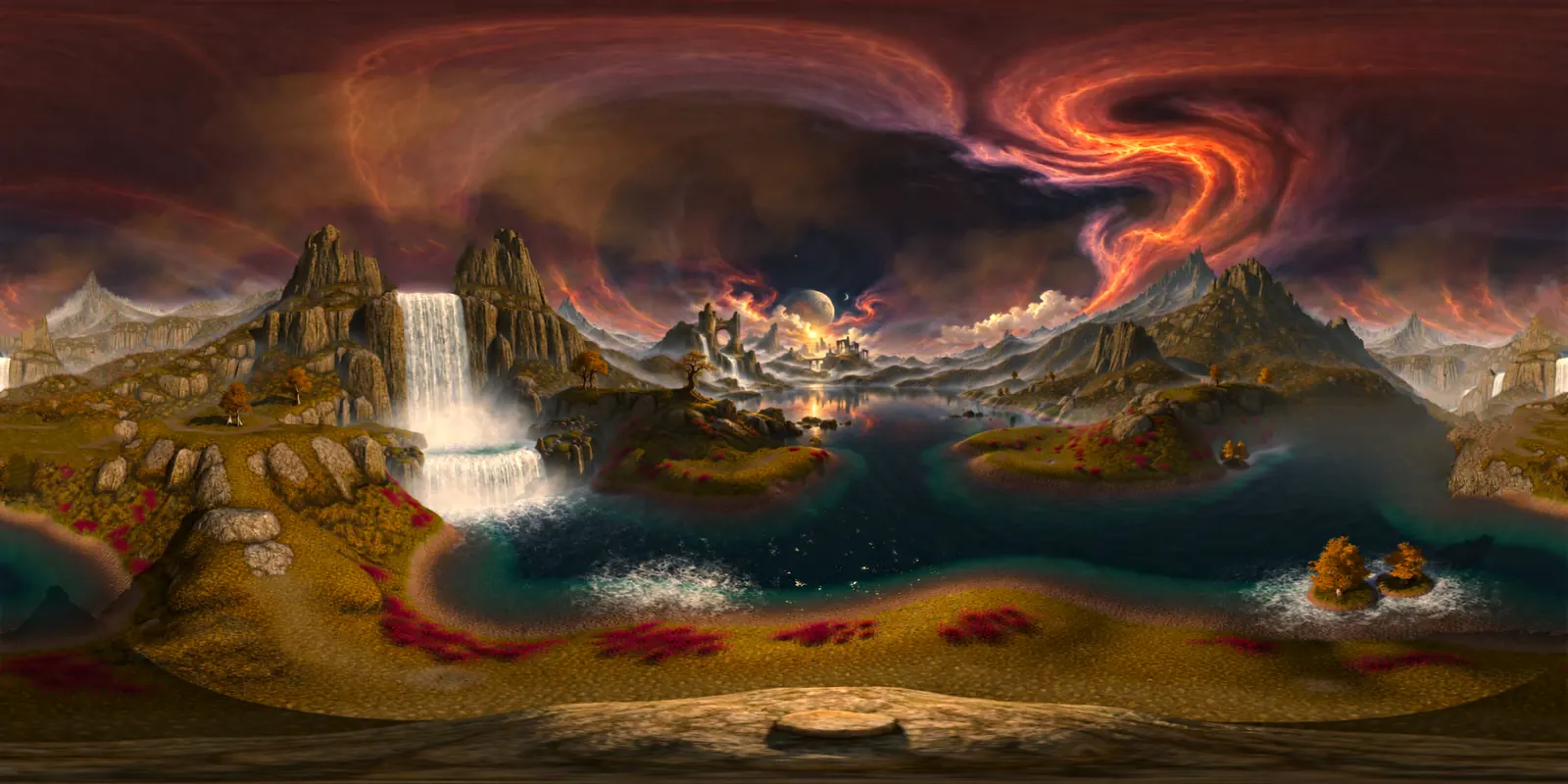
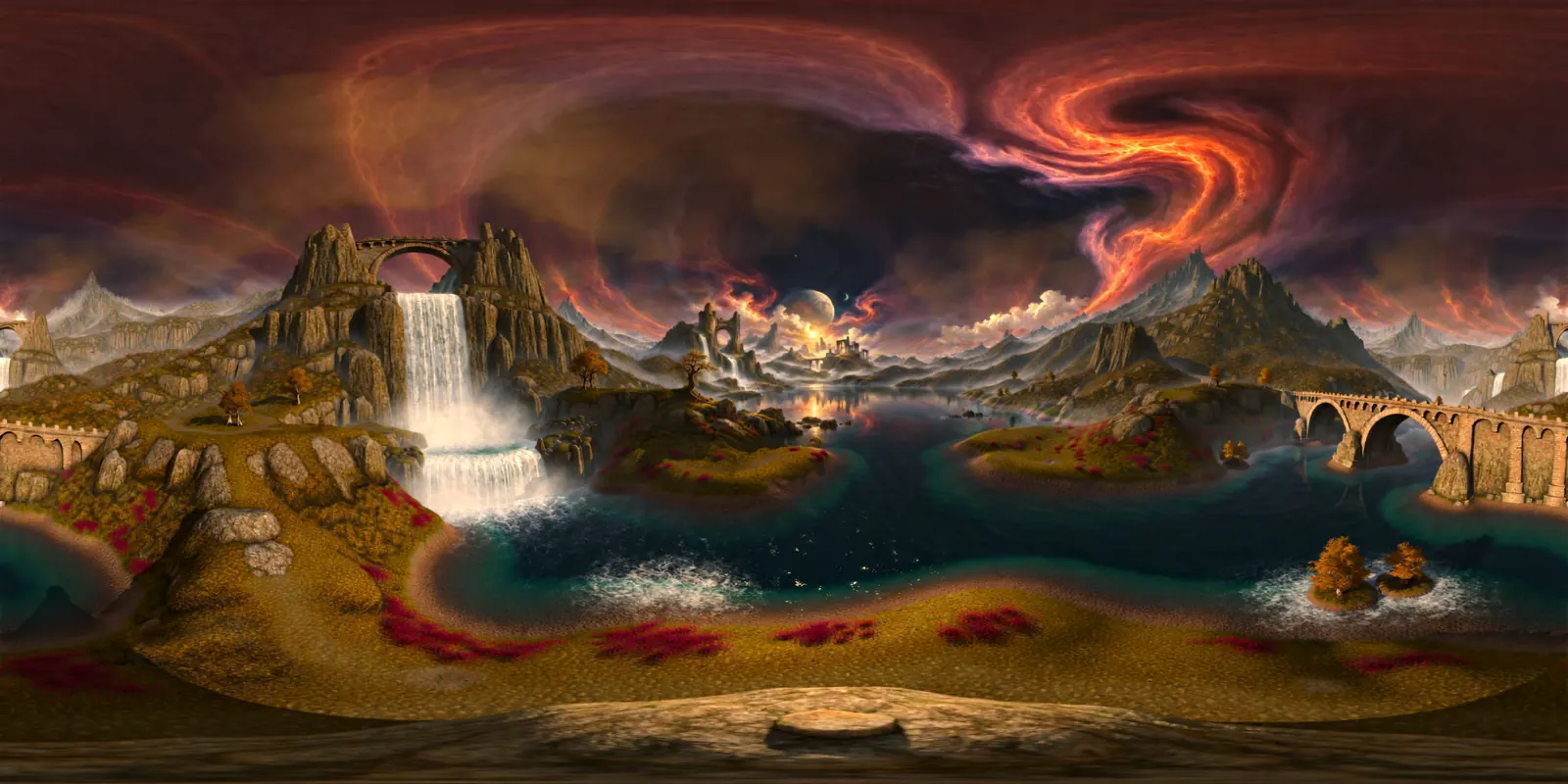
A world model built a 3D world from a painting and invented bridges around it. I gave an AI agent seven small tools and one written rule. It removed three bridges by changing 4.99% of the pixels of the 360-degree picture and nothing inside the painting's frame. In the new draft 3D worlds, a thin black line still shows where one bridge stood.
How I direct agents
The agent wrote the shell commands and ran the tools. The hard part wasn't that. It was five decisions that stayed mine, and this page is the record of me making them.
- What problem is worth solving. A world model invents things the director didn't ask for, and every wrong invention costs money to make again. That's the problem I picked.
- What to ask the agents to investigate. I gave the agent one written rule and seven tools, not a list of steps. Where to look, what to mask and how to fill it were the agent's calls.
- How to recognise when their solution is wrong. The rule did hold. The same record also shows a thin black line still joining the two crags in 3D, and a dark slope where open water ran. That comes out of reading the 220 steps, not the summary.
- How to design experiments that expose those mistakes. The before and after sweeps, the pixel difference against the original picture and the walks through the 3D world are there to catch a fill that looks right flat and wrong in a world.
- When to change direction instead of throwing more compute at a failing approach. Both fill methods failed on the slope, so the third generation went unspent. A third try with the same fill would have made the same slope.
The rule
No bridges anywhere outside the painting's own frame. Do not change anything inside the painting's frame. Change as little else as possible.
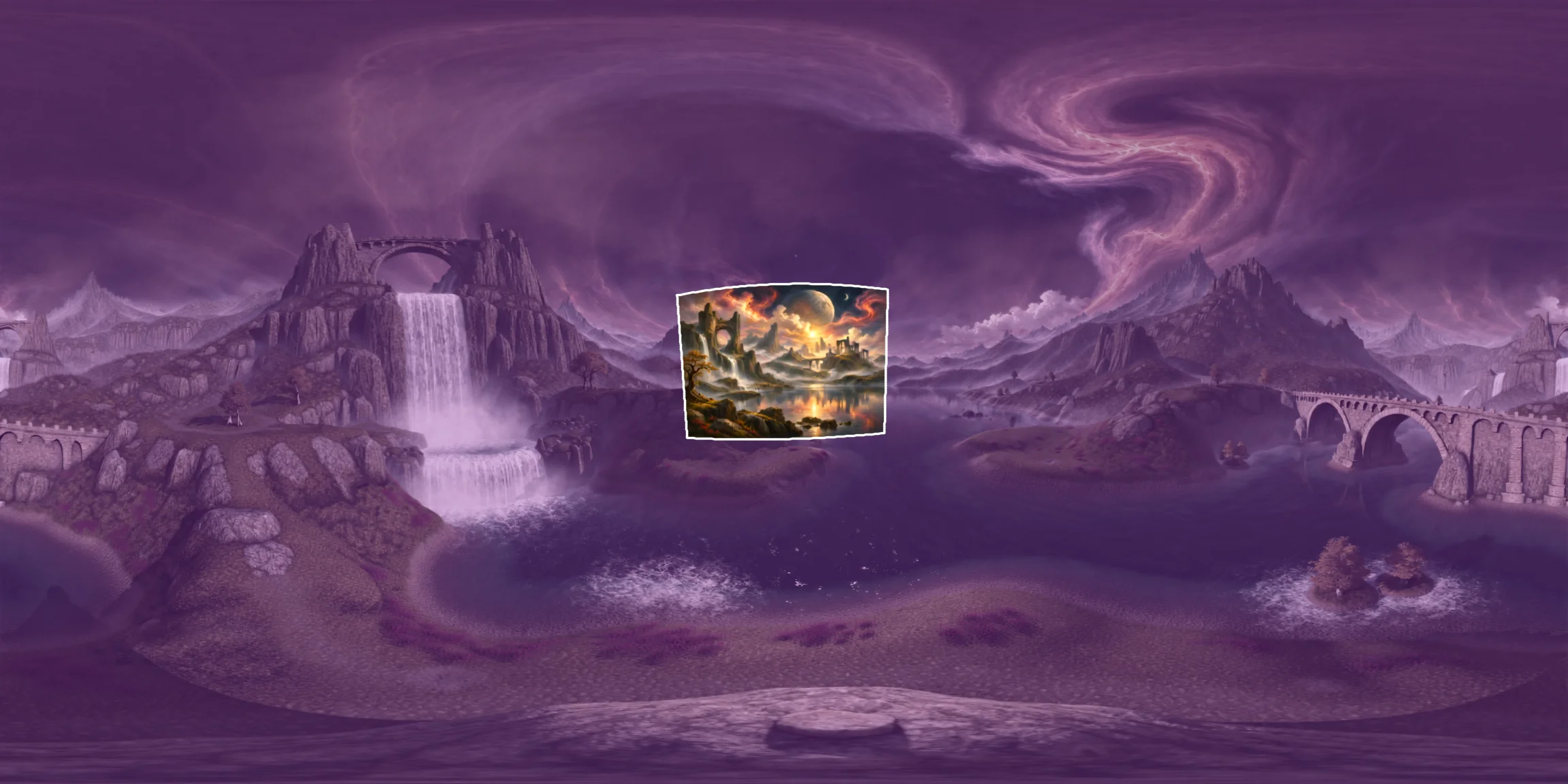
The rule is needed because the world model decides almost everything in this world. The painting covers 3.85% of the full sphere around the viewer, measured by solid angle. The world model invented the other 96.15%, and that part included bridges.
In Into the painting, I told the world model in words not to invent a bridge, and that didn't work. Painting the bridge out of the 360-degree picture by hand worked, but my rough fill showed as a smudge in 3D. Here an AI agent does that job, with tools, under one written rule.
What the agent could do
The agent had seven small command-line tools, which it ran from a shell. Only one of the seven, generate, costs money.
| Tool | What it does |
|---|---|
note | Writes down the agent's reasoning. |
look | Renders a view of the 360-degree picture at any angle, or an overview with a grid. |
mask | Marks a region by angles. |
fill | Paints a marked region out. |
generate | Asks the world model for a new 3D world from a 360-degree picture. It's the only tool that costs money. |
compare | Measures the difference between two pictures. |
walk | Renders a view from inside a generated 3D world. |
Each tool appended its own line to a log file every time it was called, so the agent didn't write the record of its tool calls itself.
The agent also opened the saved pictures with a picture viewer, and it read some files directly. Those two kinds of action aren't in the record.
The generate tool has a budget rule built in. It allows at most 3 paid generations and refuses after that. The agent used 2 and left the third unspent.
What it removed
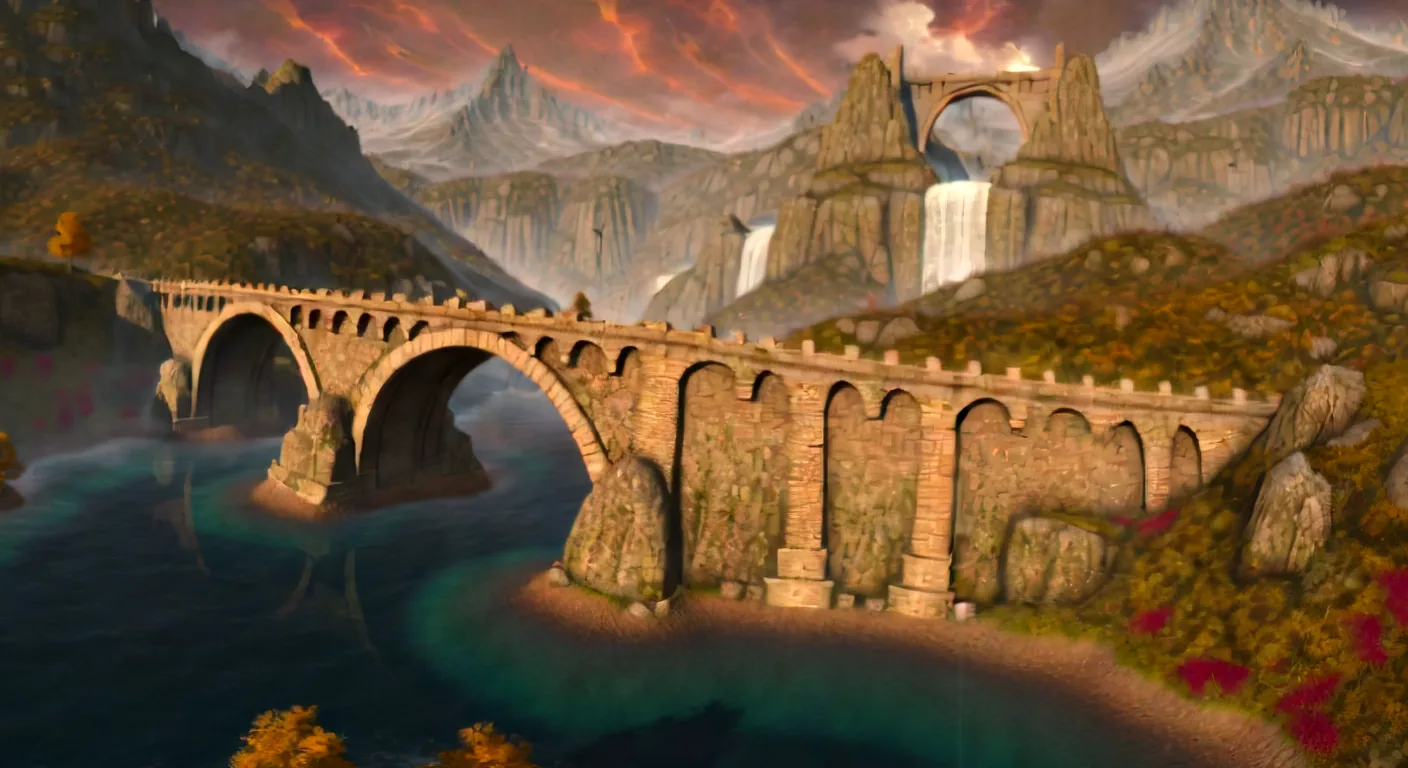
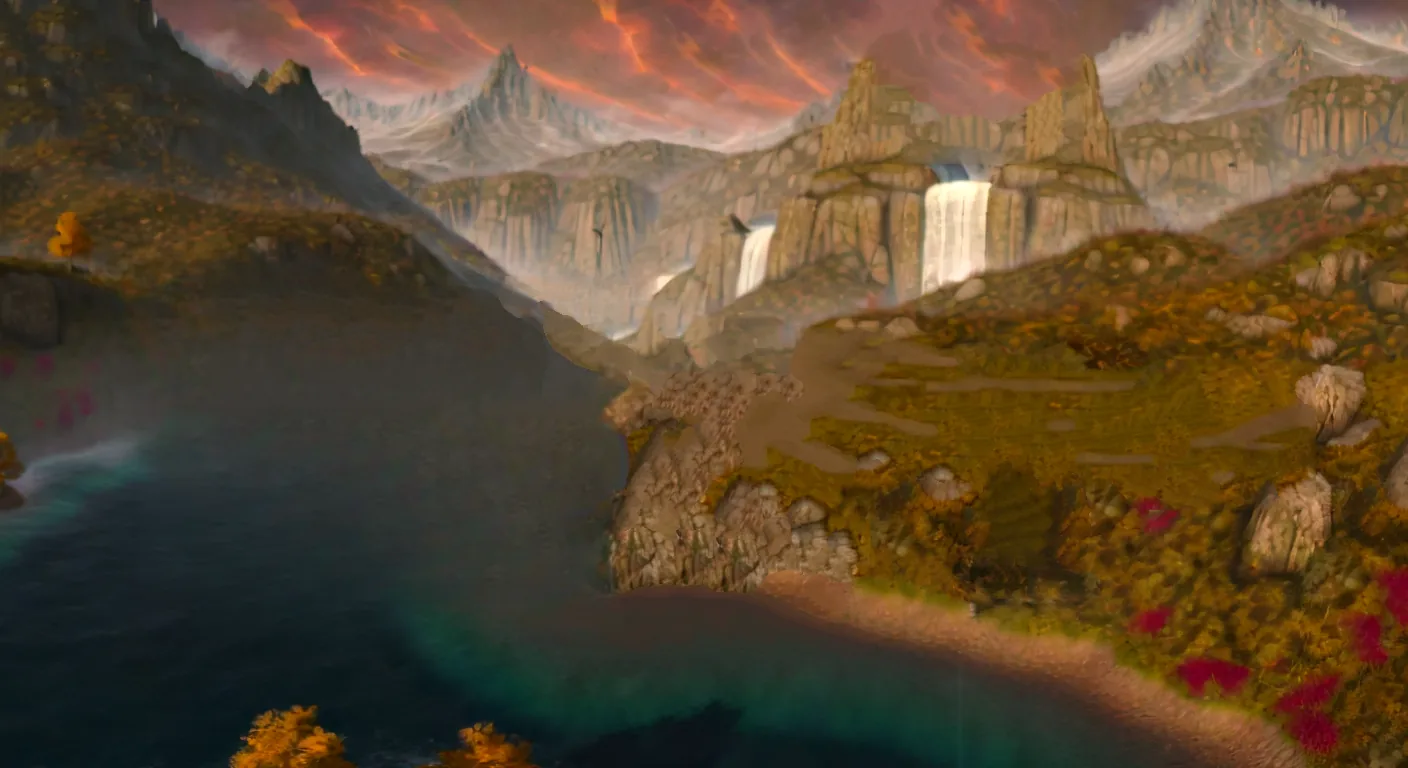
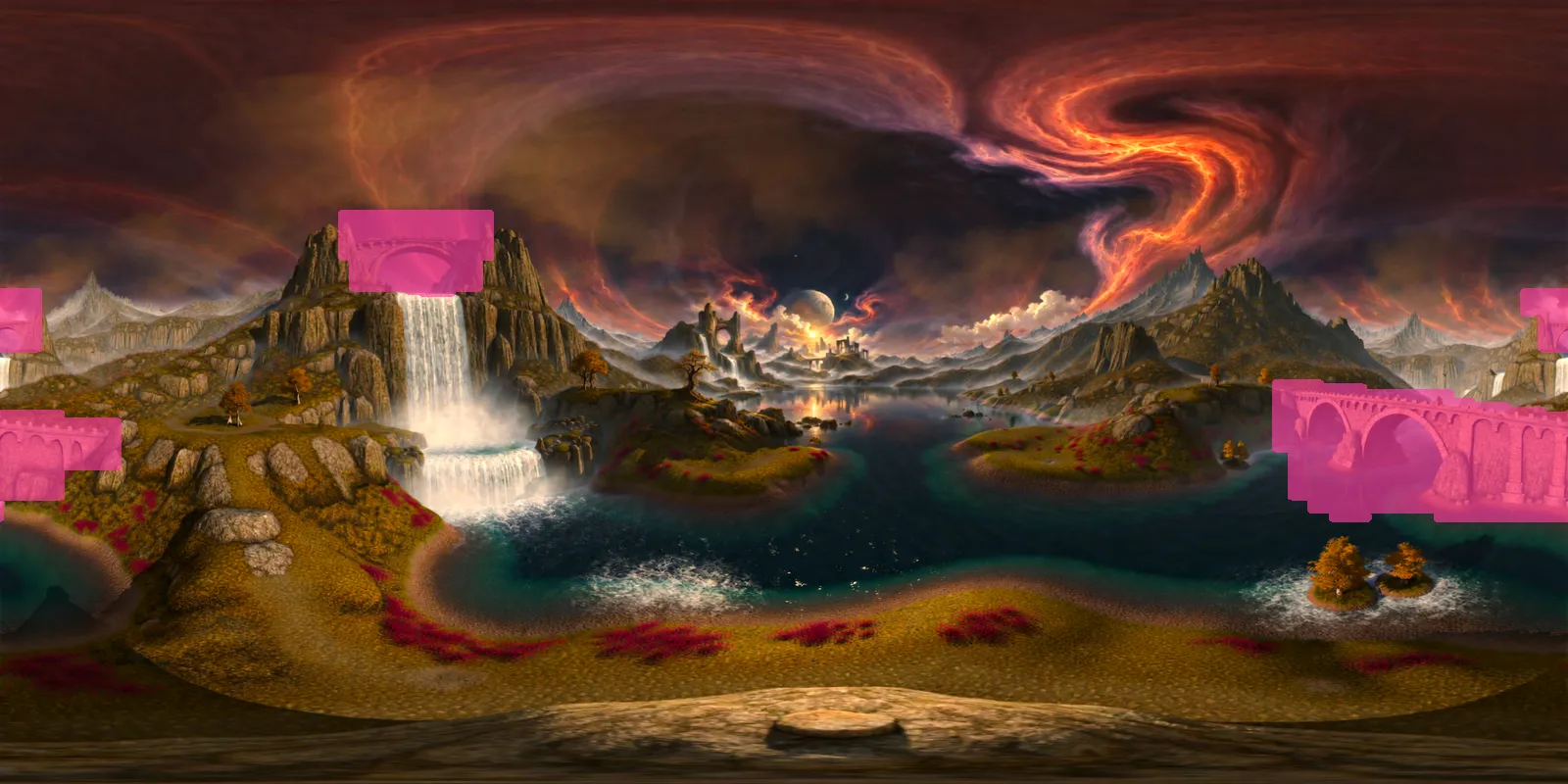
The agent removed three invented bridges outside the frame. The instructions for the tools already gave the positions of two of them, the large stone bridge and the small arch. The agent found the third one, above the big waterfall, in its own first look at the picture. It left the bridge inside the painting's own frame alone. Each pair below is the same part of the 360-degree picture, before and after.
The large stone bridge
The large stone bridge with many arches is gone, and so are the reflections of its piers in the water.
The small masonry arch
The small masonry arch between two crags is gone, and so is the whole cloud that was behind it.
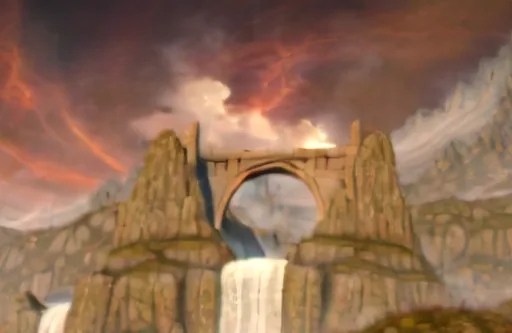
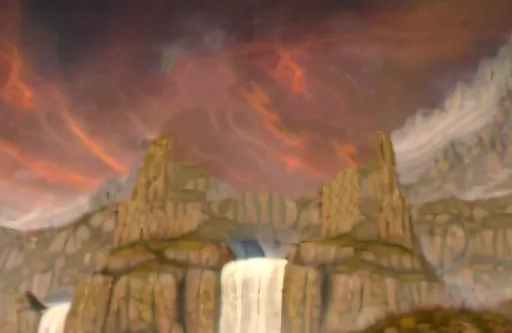
The bridge above the big waterfall
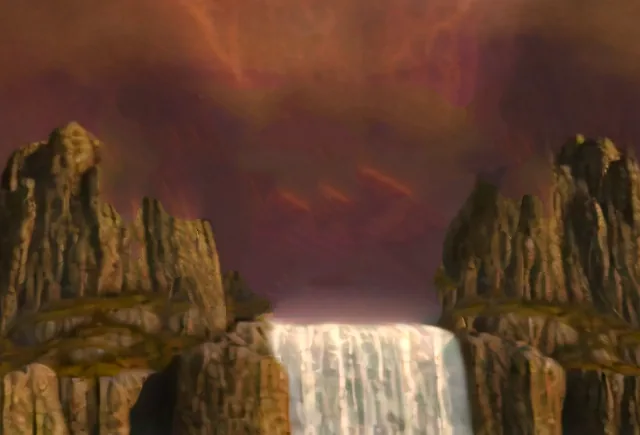
The bridge between the two crags above the big waterfall is gone.
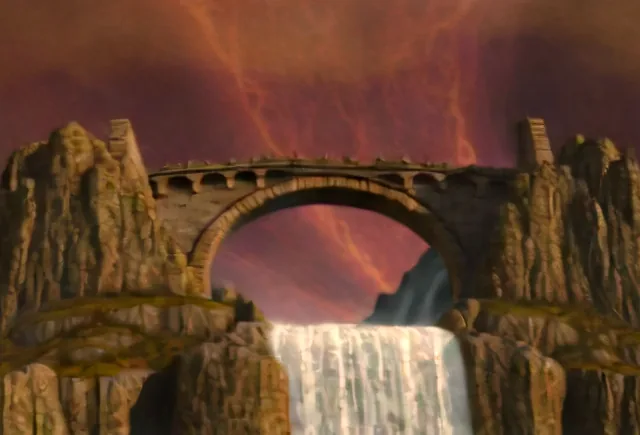
How it did it
The agent drew a mask whose top edge follows the parapet of the large bridge. The mask also covers the reflections of the bridge piers in the water, and the cloud behind the small arch. Then it ran three fill passes: a texture-copy fill of the whole mask, a refill of the left part of the large bridge with an inpainting model, and a texture-copy refill of the slope band.
It generated world 1 and saw a thin black line across the lip of the waterfall in 3D. It cleaned a leftover dark strip at the lip in the picture, and then generated world 2.
What I measured afterwards
After the session I checked the final 360-degree picture against the original with a separate script.
- 4.99%This share of the picture's pixels differs from the original. It's 7.34% of the sphere by solid angle.
- 0Inside the painting's frame, the difference is exactly 0.
- 0Outside the agent's final mask, the difference is exactly 0.
- IdenticalThe picture the world model returned is pixel-identical to the picture the agent sent.
All three bridges are gone in the picture and in the 3D renders of both new draft worlds. The agent's sweeps found no new bridge.
The whole session
This is the real record: all 220 steps in order, with the 23 error lines kept in.
Steps 1 to 52 and 97 to 220 are the agent. At step 52 it stopped without spending anything. It had looked at two of its three fills, and it wrote that in them “the large bridge area is soft and smeared”. The same note gives a second reason: “Then my image viewer stopped responding for more than an hour, so I could not see the full-size fill or improve it.”
Steps 53 to 60 are a second AI agent. I asked it to rewrite the fill tool.
Steps 61 to 96 are a third AI agent, which checked the rewritten tool independently. When the first agent read the log again at step 97, it wrote that the checker “says that fill is sharp but shows patch edges in several places and recommends a corrected mask”.
The agent called generate 5 times. 3 calls were dry runs, which cost nothing, and 2 were real.
22 of the 23 error lines are calls with a wrong argument. 16 are by the checking agent, at steps 62 to 77. 6 are by the first agent, at steps 164 to 169, and it wrote at step 170 that they were “caused by my own shell loop”. The other error line, step 96, is a call by the checking agent with a file that does not exist.
In this public copy, every piece of text that I replaced is in square brackets. I replaced the names of models, services, code libraries and one tool, the world IDs and the credit balance. I cut each file path down to its file name. I left out the extra data fields of each log line: timing, lists of output files, camera positions and raw measurements. I removed no step.
220 steps, 23 error lines, 2 paid generations, 149 pictures
The record has 220 steps. 23 of them are error lines and 2 are paid generations. The list appears here when the page has loaded it. Open the record as a JSON file.
In 3D
Each pair below uses the same camera in two worlds. The first picture in each pair is the draft world from my earlier rough fill. The second picture is world 2. Both are draft quality, which is blurry everywhere, so this is a fair comparison of one draft with another.
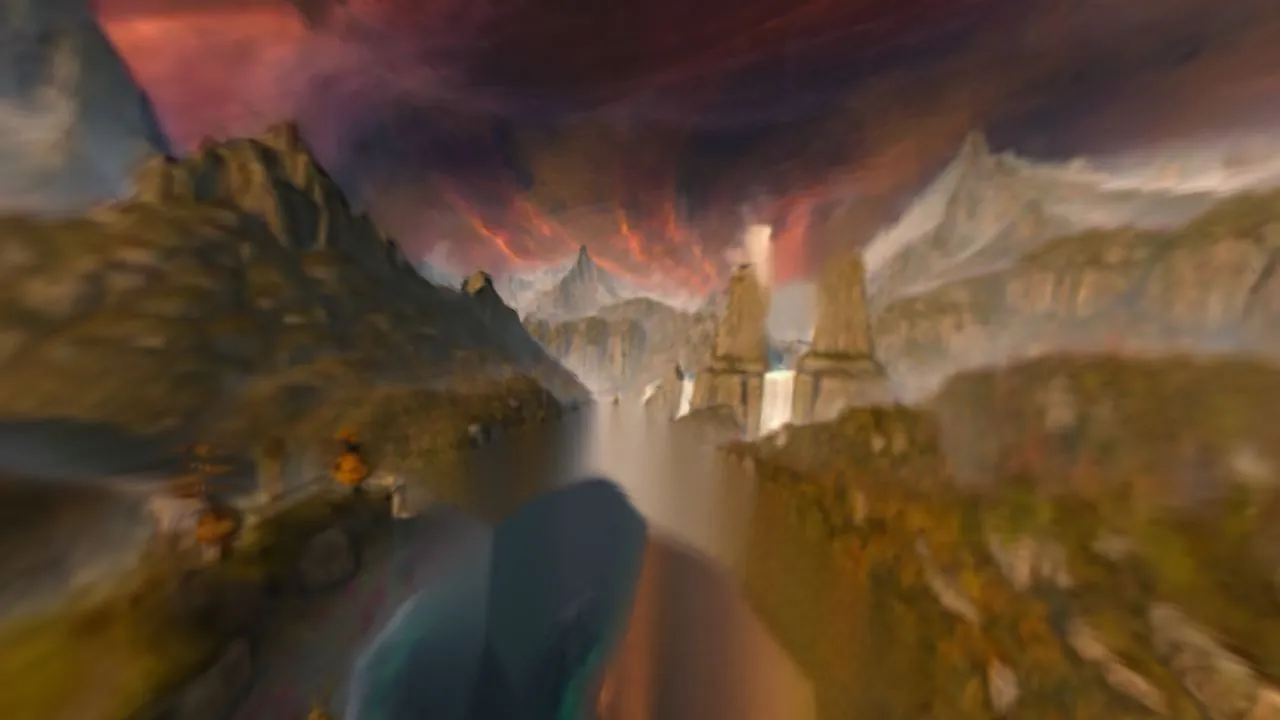
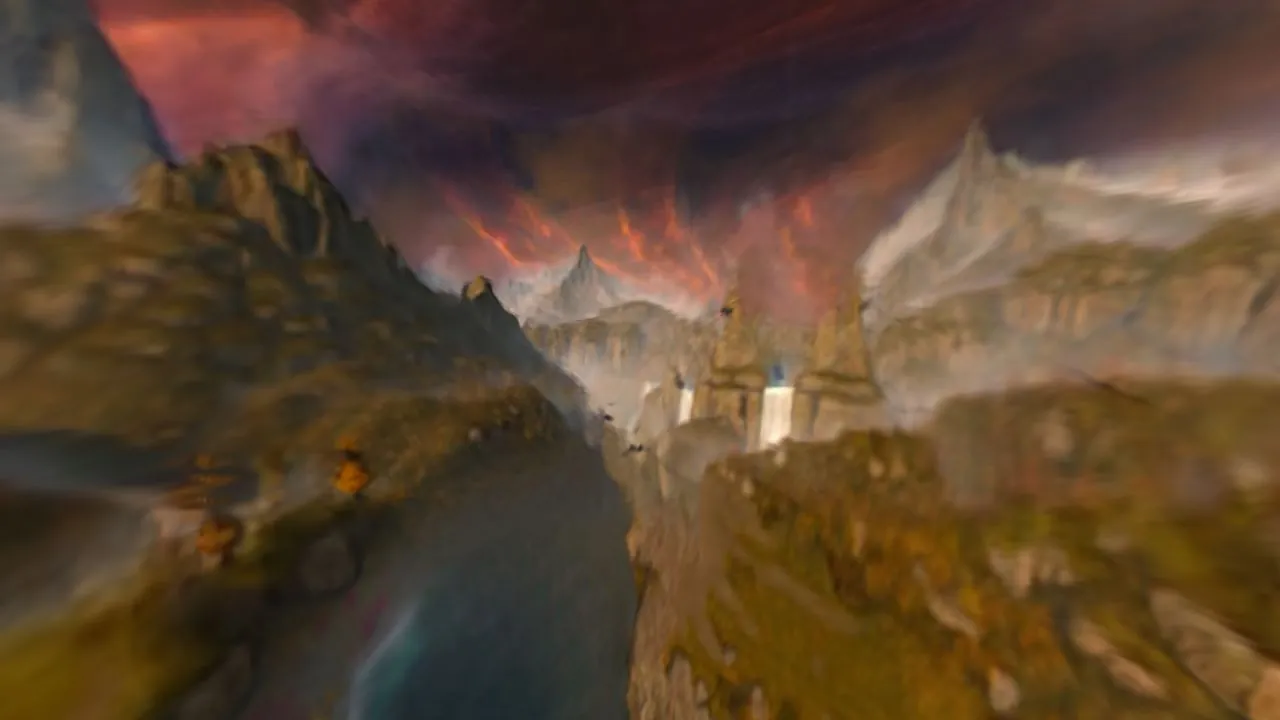
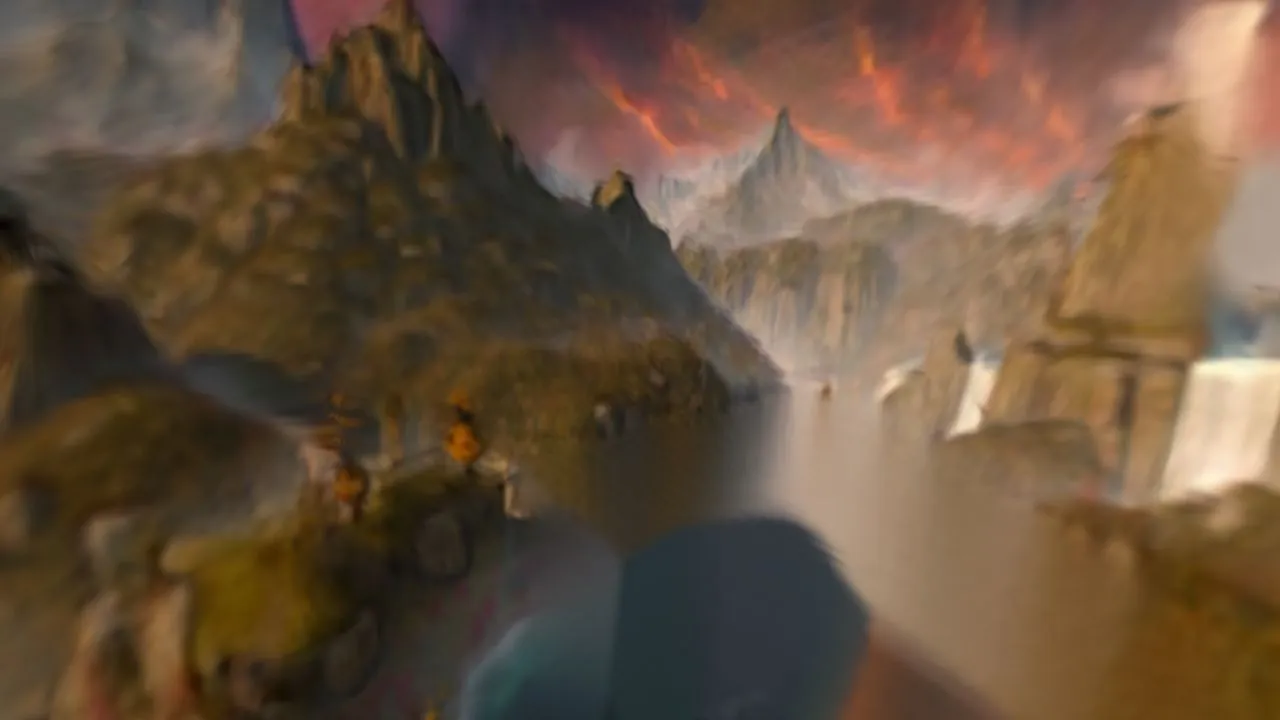
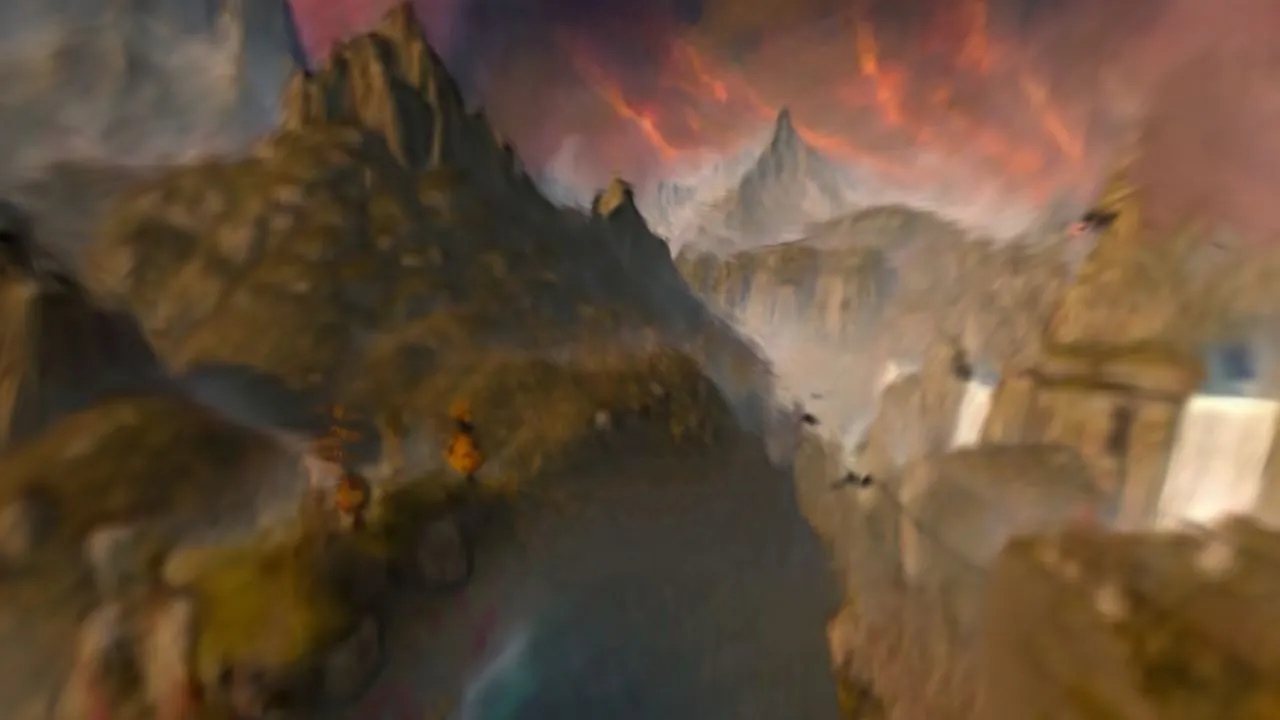
Below is world 2 to move around in. It's blurry because it's a draft. The file is 6.1 MB, so it loads only after you press play. Then drag to look around. To move, drag the dot in the circle at the bottom left, scroll, or use the W, A, S and D keys or the arrow keys.
What's still wrong
- The two new worlds are draft quality, which is blurry everywhere. So a 3D comparison is only fair against the earlier rough-fill world, which is also a draft. It isn't fair against the sharp original world.
- Both new worlds used the same seed and almost the same picture, so they aren't independent tests.
- Where open water ran under the left arches of the large bridge, there's now a flat dark slope. The fill is soft there. The fill tool reported its detail, measured as the mean absolute Laplacian, as 1.63 inside the fill and 3.72 around it.
- In 3D, a thin black line still joins the two crags across the top of the big waterfall, where the bridge stood. It's in both worlds. It isn't in the final 360-degree picture. At step 220 the agent wrote that the line probably comes from the way the draft 3D world is built, and that this isn't settled, because the line also got weaker after the agent removed a dark strip from the picture.
- The agent removed the whole cloud behind the small arch, and rock now joins the two crags where the arch opening was. Near the large bridge, the fill also has a rock outcrop that's copied from nearby rocks.
- The agent didn't spend the third generation, because both fill methods had already failed on the slope.
- This was one painting, one rule and one session.
Questions the agent left for me
The agent wrote its notes to “the director”, which is me. From its notes I have five things to decide, and I haven't decided any of them yet. I wrote the five questions below in my own words, and under each one is what the agent wrote. It named the first and the third as open questions. The other three are a decision it made and two changes it listed under “Things my fill invented or removed, which the director should know”. The agent calls the small masonry arch and the bridge above the big waterfall “the two small masonry arches”.
- Do the small masonry arch and the bridge above the big waterfall count as bridges?The agent, step 219: “Open questions for the director stay open: whether the two small masonry arches count as bridges (I treated them as bridges), and whether the thin dark line counts.”
- Does the bridge inside the painting's frame stay?The agent, step 97: “the two small masonry arches count as bridges, the bridge inside the frame stays.”
- Does the thin black line across the waterfall count as a bridge?The agent, step 219: “I do not call it a bridge (no masonry, deck or arch), but the director should decide.”
- Is removing the whole cloud acceptable under “change as little else as possible”?The agent, step 220: “the whole cloud behind the small arch is gone and replaced by sky”
- Is a dark slope in place of open water acceptable?The agent, step 220: “a dark slope where open water ran under the left arches of the large bridge”
What I'd do next
I'd decide those five things first. I'd spend the third generation only after the slope fill is fixed. When a draft world is clean, I'd make one full-quality world from the same picture.
More experiments
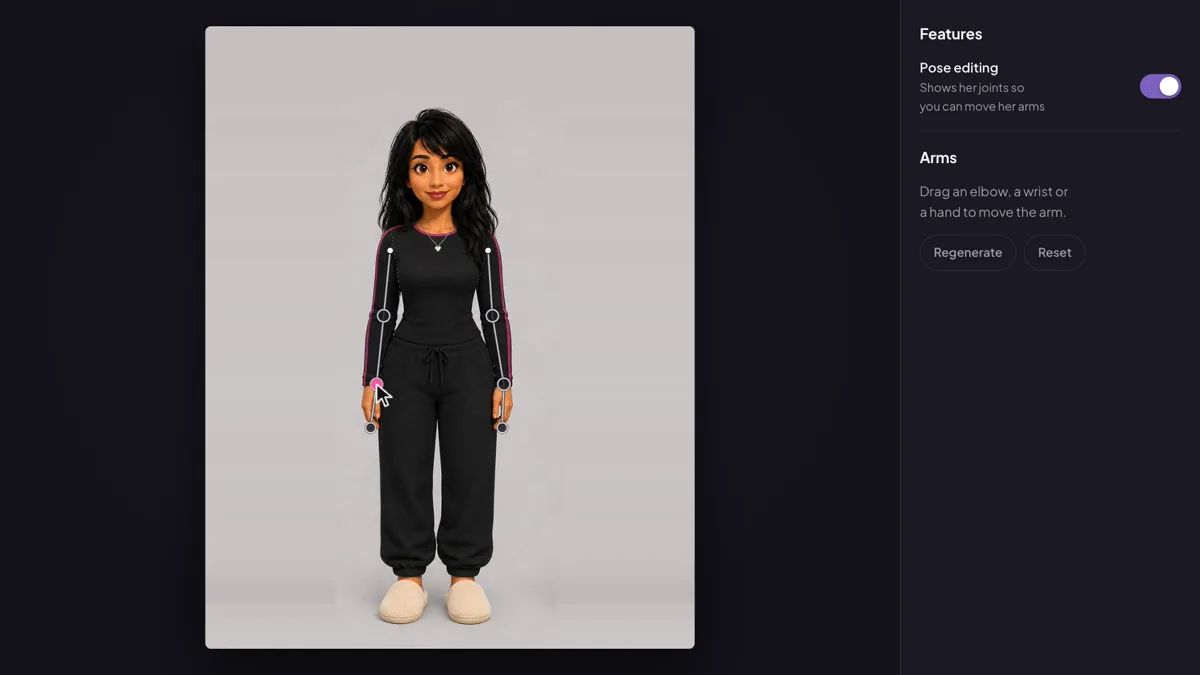
I posed Lola like a teapot
I built a small app where you drag Lola's elbows, wrists and hands into a new pose, then press Regenerate. An image model redraws her in that pose, and the recording shows her posed like a teapot.
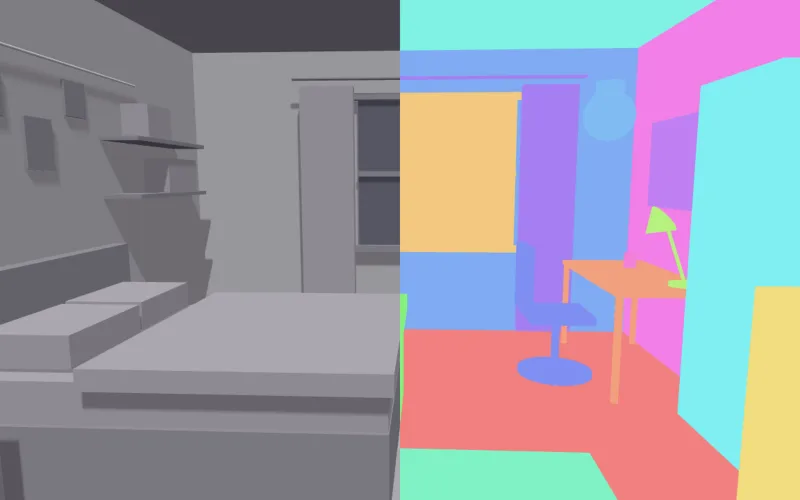
A tool an AI agent calls to check the shot before I pay for it
I built a small MCP server that works out what a planned camera move will show in the 3D layout of Lola's bedroom. It finds the objects the prompt names that the camera never shows, or loses partway, before any video is made.
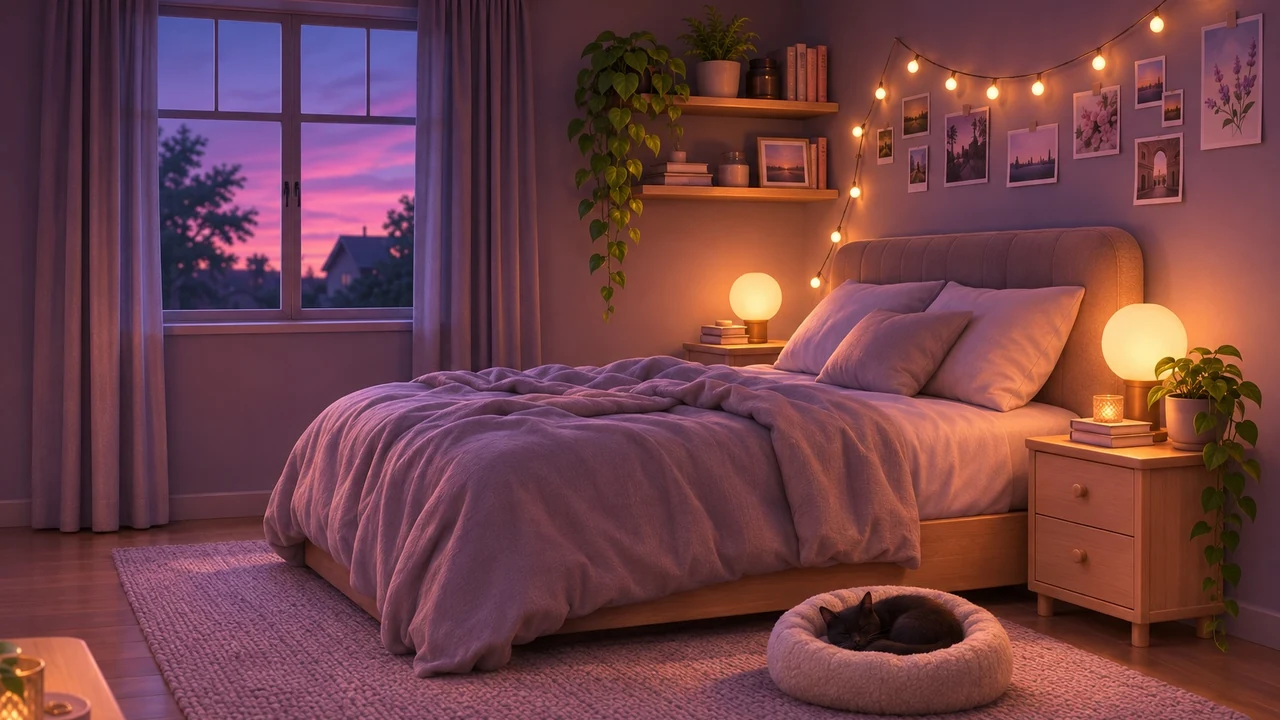
Building Lola's house as real 3D rooms
Lola is the lead in my AI video series, and her house only existed as a few pictures that didn't agree. This is the whole attempt to turn them into rooms a camera can move through. There's a kitchen grown from one picture, a floor plan that took 48 versions, and a bedroom built in 3D. It covers what went wrong and what fixed it.