A room builder AI can work in
I built a pixel-art room builder out of real objects instead of a grid of pixels, so AI could work in it the way I do.



I got a surprise day off and spent the whole day trying to get AI to lay out a scene. Back came scrambled layouts, with tiles in the wrong place, staircases leading to nowhere, objects clashing into each other and a chicken with no head.
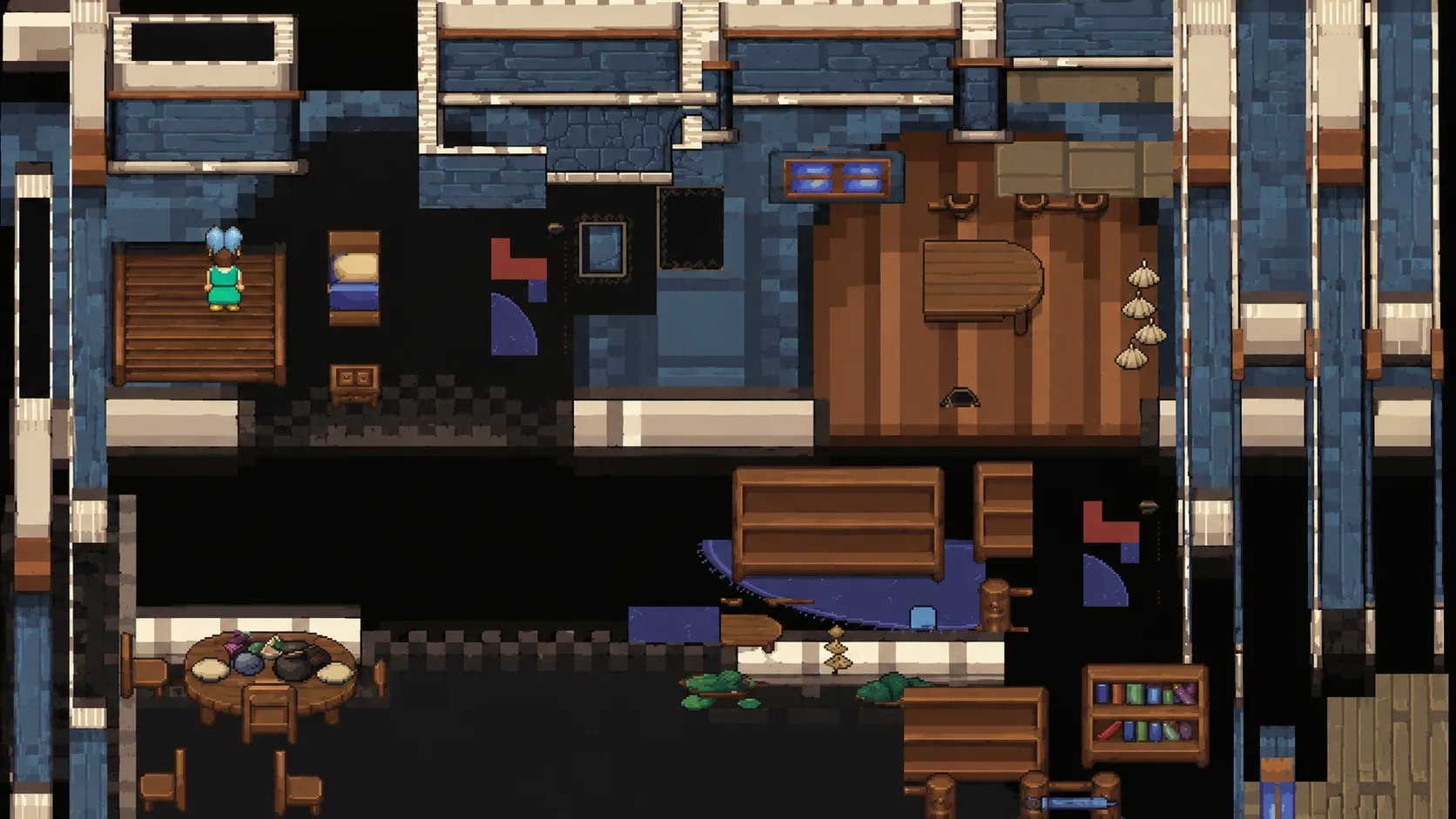
This example layout didn't prove AI can't do this. I was asking a language model to solve a spatial problem through an interface that handed it the wrong abstractions. The interface gave it a sprite sheet and a grid of coordinates, and nothing it could treat as an object. So I built Cozy Builder, a tool AI could actually work in.
Simpler for me turned out simpler for the AI
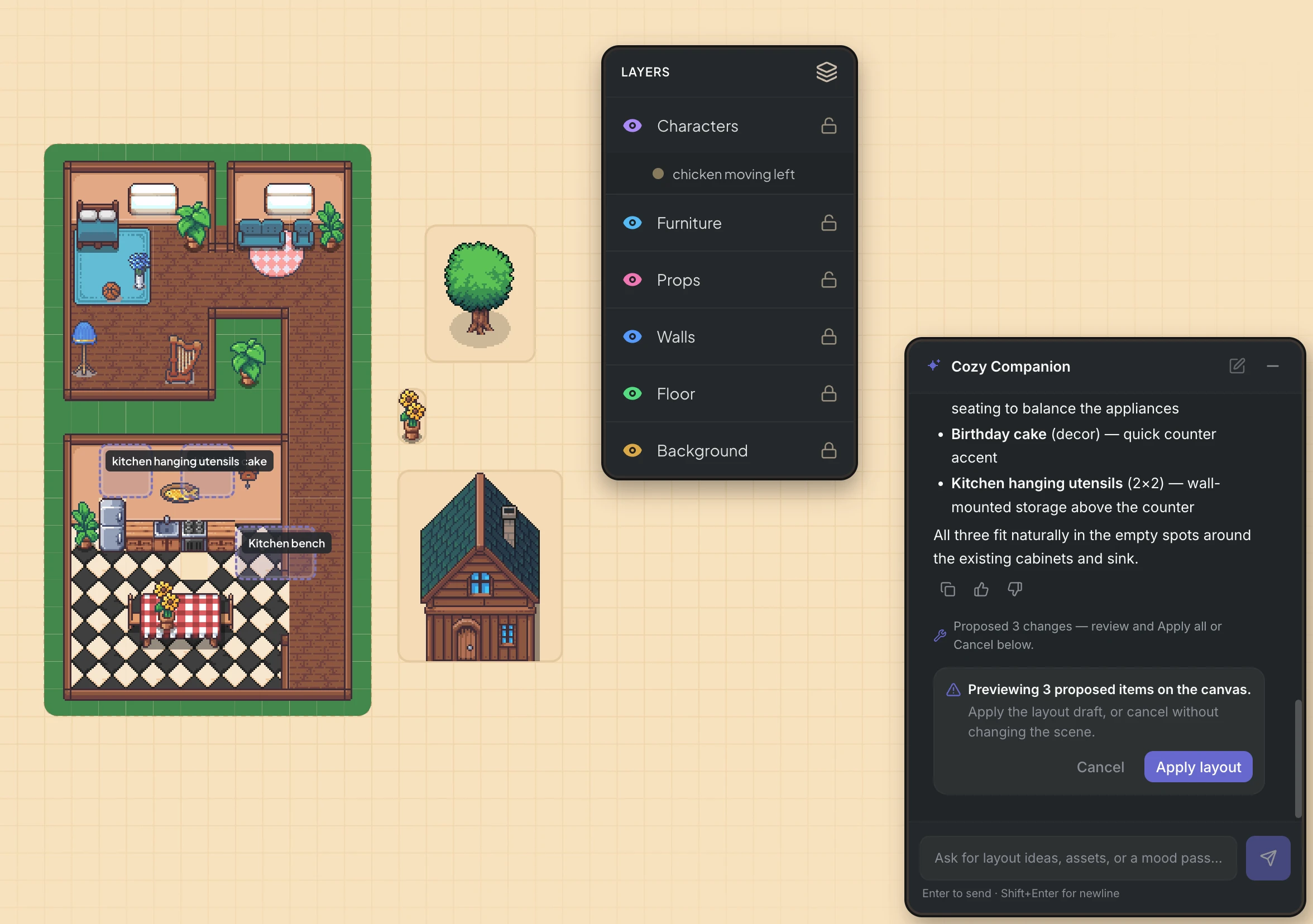
The first version was built around how the software is organised, scenes and layers and objects and categories. There was way too much going on. So I cut it right back until the scene was the main thing on the screen. Here's the part that surprised me. Because the scene was built from real objects instead of a flat grid of pixels, the AI could finally work in it too.
Before and after
Drag the line to compare the first version with how it looks now.
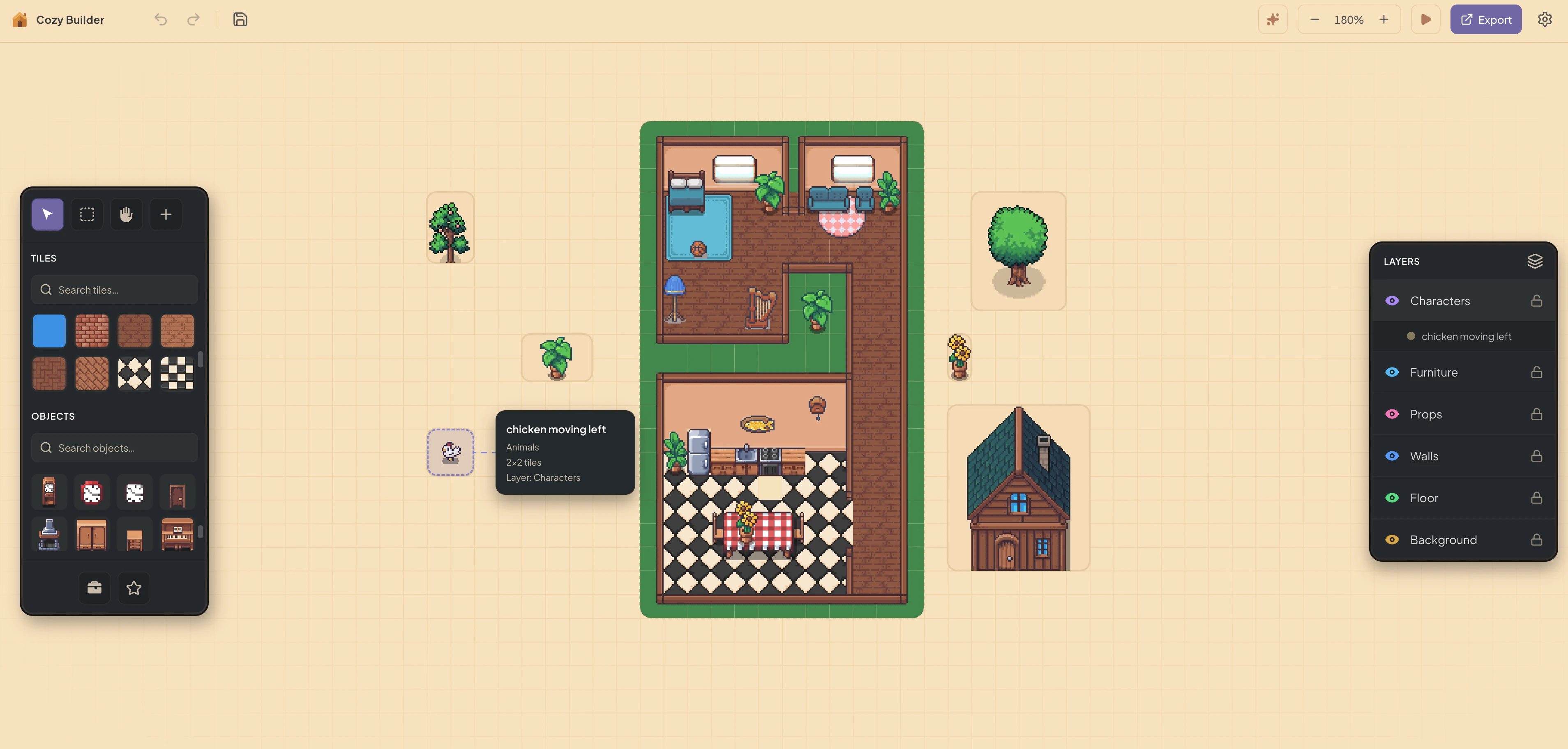
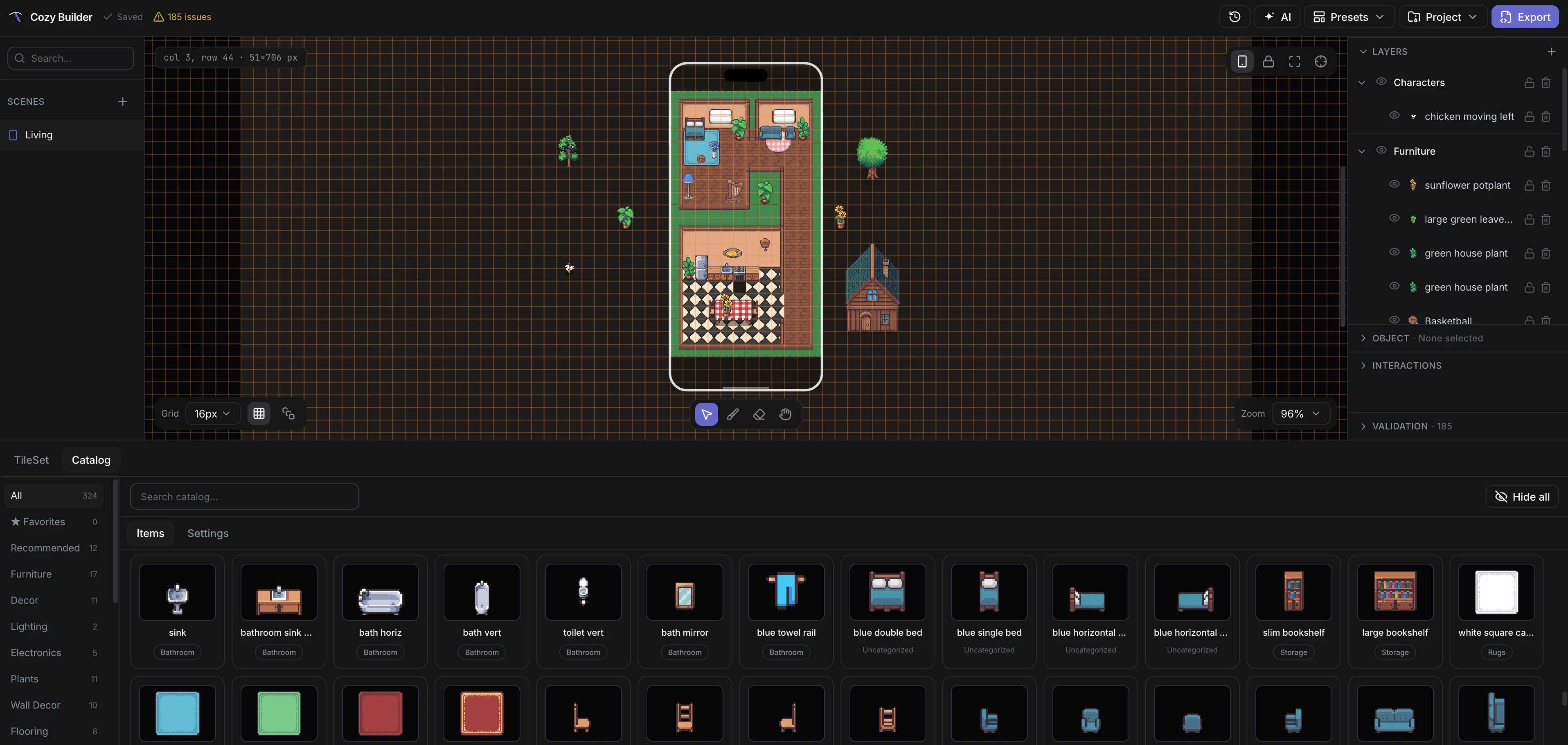 First versionNow
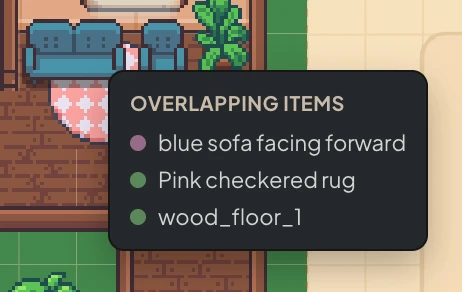
The grid trap
I want cozy, tight placement, like a chair tucked under a table instead of furniture floating in little boxes. My first go was a chunky grid for placing things and a finer grid underneath for collisions. That turned out to be a trap. You end up showing someone a gap they can't click into, and telling the AI a spot is free when it isn't.
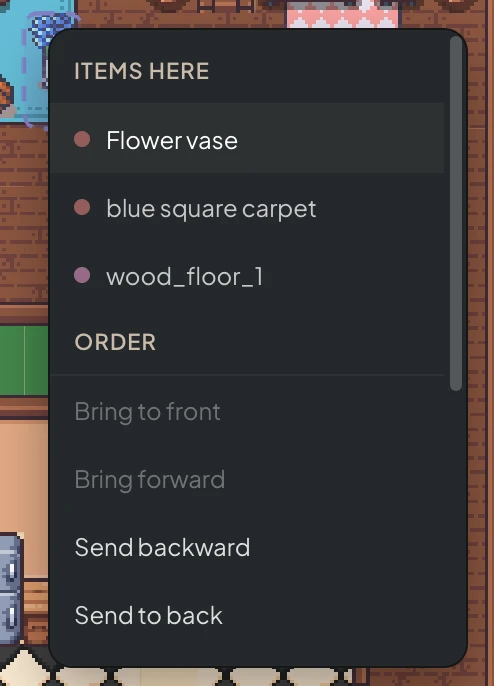
The fix was to make it simpler, not cleverer. There's one grid now. An object's footprint is the floor tiles it sits on, kept separate from the picture you see, so a table only blocks the spots where its legs land. The AI just says where it wants something, and it goes in the nearest spot that fits.
Place a chair
Tap anywhere to ask for a chair there. This is a small demo of the idea, separate from Cozy Builder itself.
Try putting it under the table.
What it showed me
The scrambled layouts didn't mean AI can't lay out a scene. I had been asking it to work through an interface that handed it the wrong abstractions. Once the scene was made of real objects, the AI could work in it, and making the tool simpler for me made it simpler for the AI too.
Both times, what helped was making things simpler, not cleverer. That was true for the tool itself and again for the grid. What's still open is how placement should work in a 3/4 view, so things land flush instead of shoving each other apart.
Next question
In a 3/4 view, what even counts as the floor? And how do things snap so they land flush instead of shoving each other apart?Read the full write-up
More experiments

A song that draws itself, and tiny LED shows
Two side builds where code makes light move. One is a song with light that reacts to the music, and the other is an LED matrix I programmed to run tiny animations.

A CV tool that won't make things up
Paste a job ad. Jobby shows which skills you already have, asks about the rest, and never makes anything up.
The story book whose pictures disappeared
I gave myself one month to build an AI storytelling prototype. Writing the story was the easy part, and getting good images wasn't.